Free Classroom Leaderboard & Scoreboard
Track class points, run a classroom reward system, and display live rankings on your projector. Award points and rewards for students from your phone. They see the scoreboard change in real time. No app to install, no student accounts needed.
Powering leaderboards for thousands of people
Teaching with MakeTheBoard all year?
Get 12 months of Educator Pro for $79, including more boards, classroom branding, exports, and shared administration. Available to verified individual educators; the free plan remains available.
View Educator ProBuilt for the Classroom
Simple enough for a teacher to set up between classes. Engaging enough to keep students motivated all year.
Boost Student Engagement
Turn lessons into friendly competitions. Students stay motivated when they can see their progress alongside classmates in real time.
Flexible Points System
Award points for homework, participation, quiz scores, or good behavior. You define the categories. The leaderboard tallies everything automatically.
Projector-Ready Display
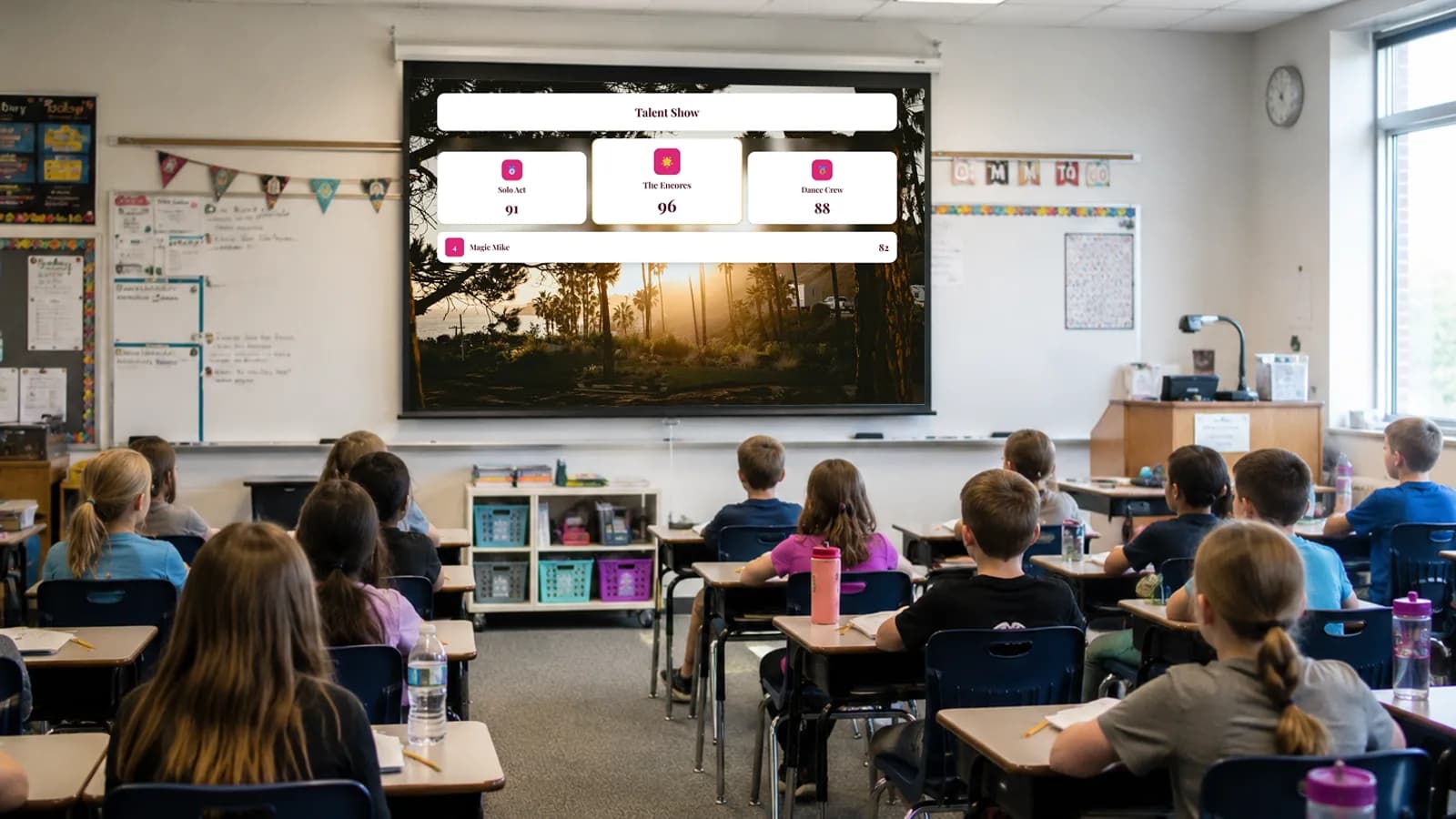
Put the leaderboard on the classroom projector or smartboard. Large fonts and bold colors ensure every student can read it from the back row.
No Student Accounts Required
Students never need to create an account or share personal information. The teacher controls everything. Zero privacy concerns for parents or administrators.
Update Scores from Your Phone
Award points on the fly from your phone while walking around the classroom. The projector display updates instantly, no need to sit at your desk.
Always Free for Teachers
Classroom leaderboards are free to create and use. No credit card, no trial expiration. Just sign up and start motivating your students.
Classroom Scoreboard on the Projector
Open the leaderboard link on your classroom smartboard or projector. As you award points, students watch the classroom scoreboard shuffle in real time. No refreshing, no waiting, just live classroom competition that keeps students engaged all period.
Create a classroom leaderboard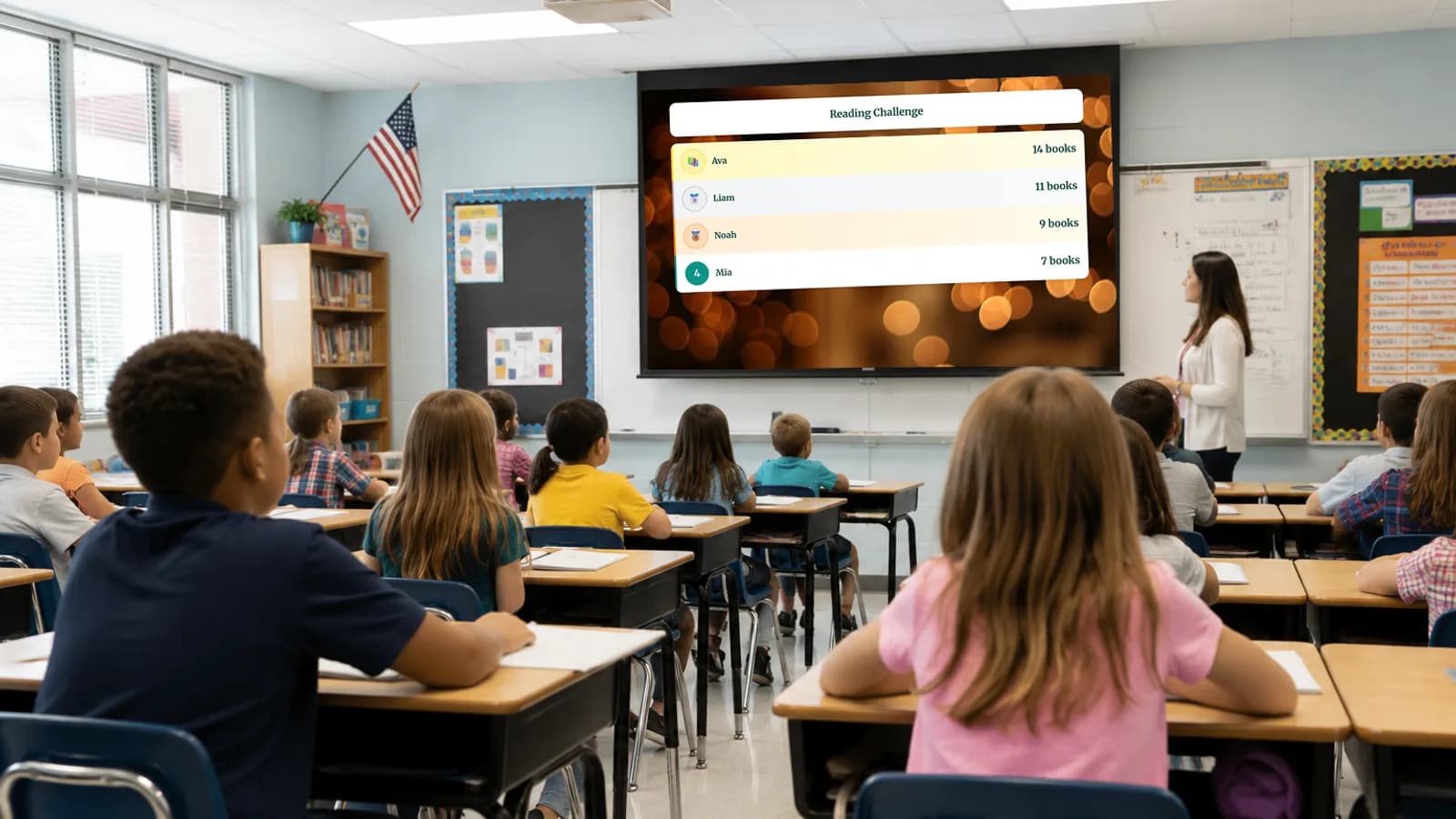
Student Points Tracker on Your Phone
Walk around the room and tap to award points from your phone while the projector shows the live leaderboard. No need to stop teaching to update a whiteboard or spreadsheet. The student score tracker is always in your pocket.
Try it from your phone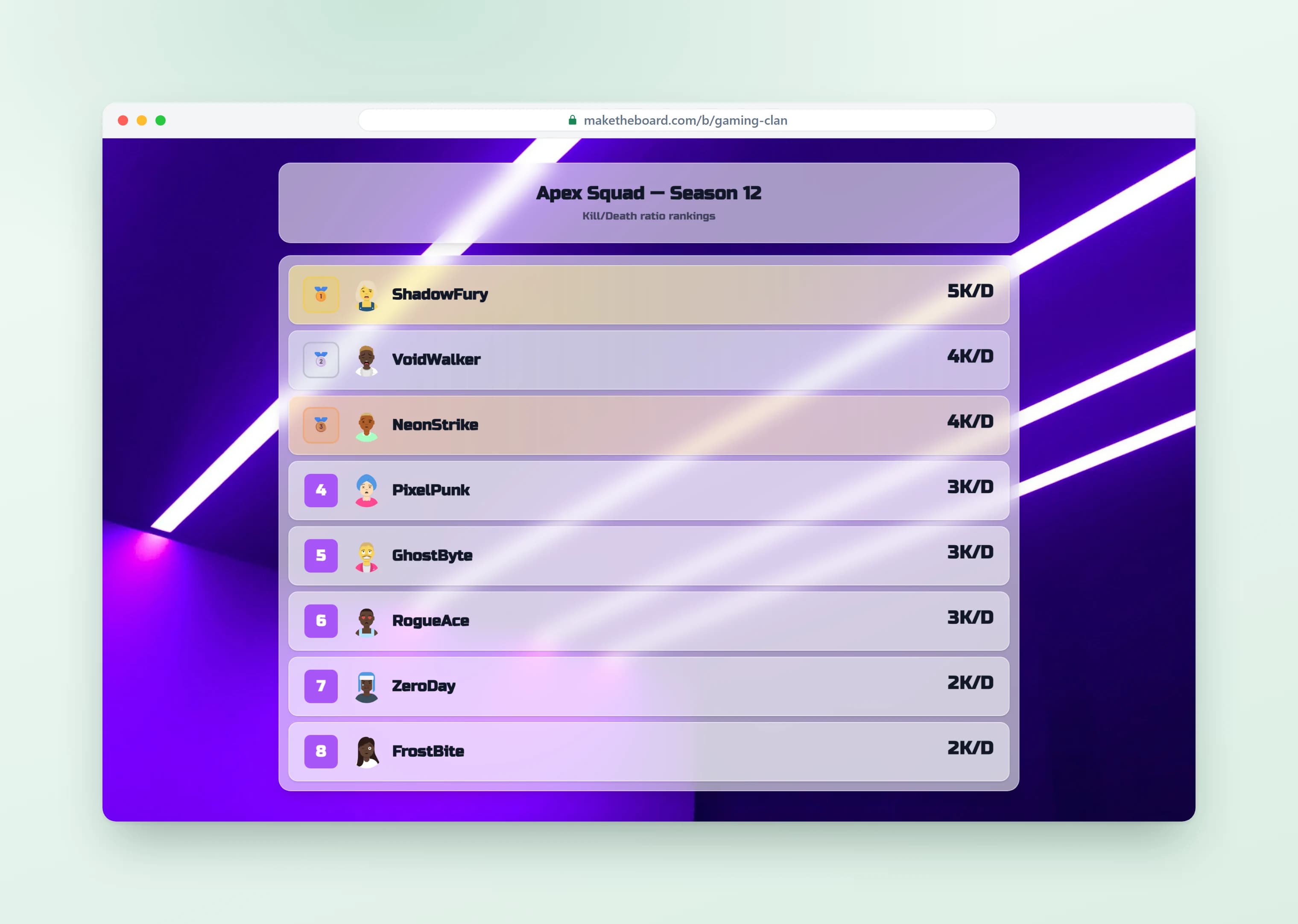
Classroom Point System with Self Sign-Up
Share a signup link and let students add themselves to the leaderboard. You stay in control of points and settings. Perfect for class competitions where students want to opt in. No email or password required.
Learn about sharing & embedding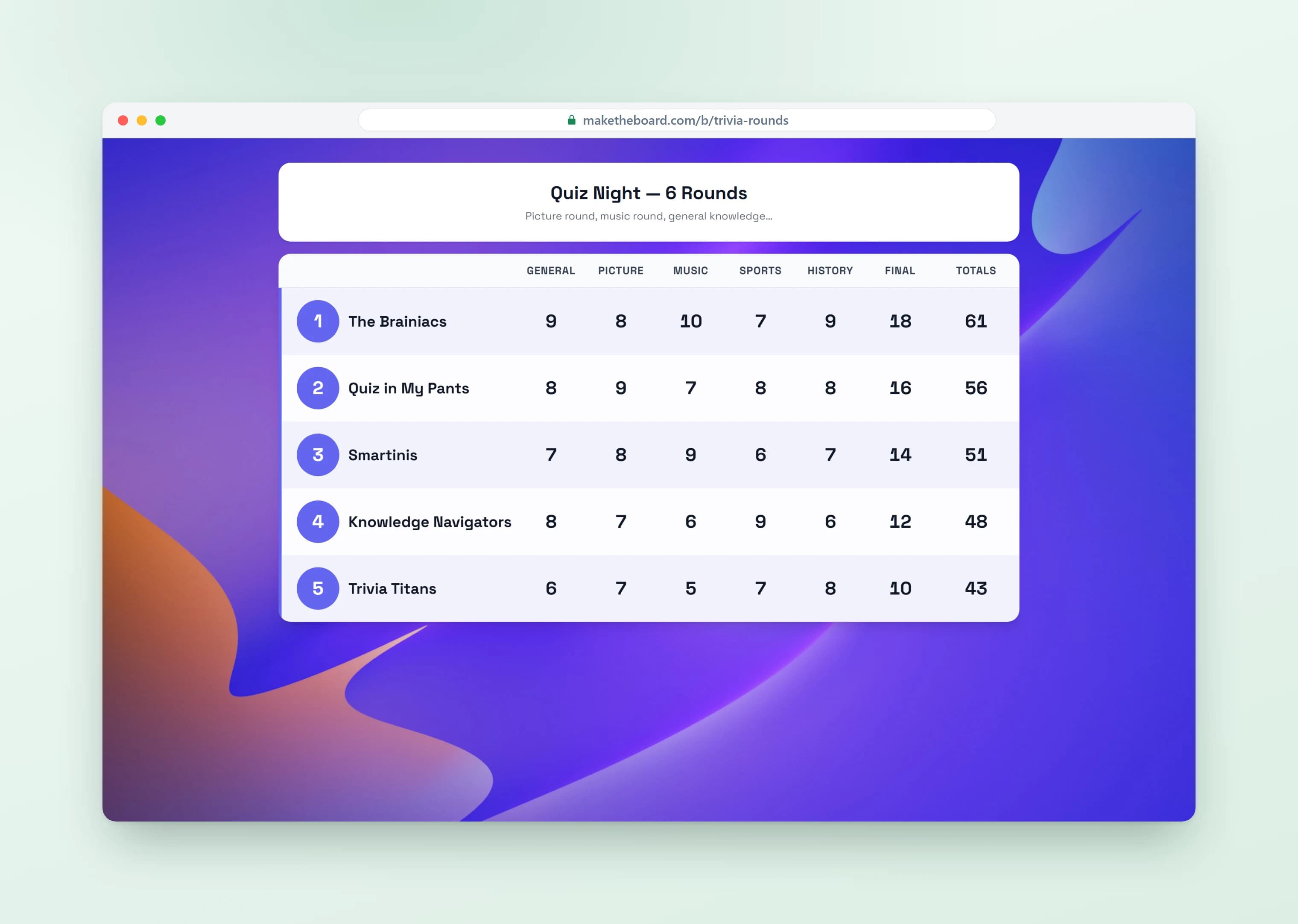
Class Points & House Points Reward System
Give students class points for books read, positive behavior, and participation, or run a house points system by sorting students into teams that compete for the top spot. It's a simple classroom reward system that re-ranks the board instantly, the easiest way to run points and rewards for students all term and recognize your top performers at the end of the year.
Create a classroom leaderboard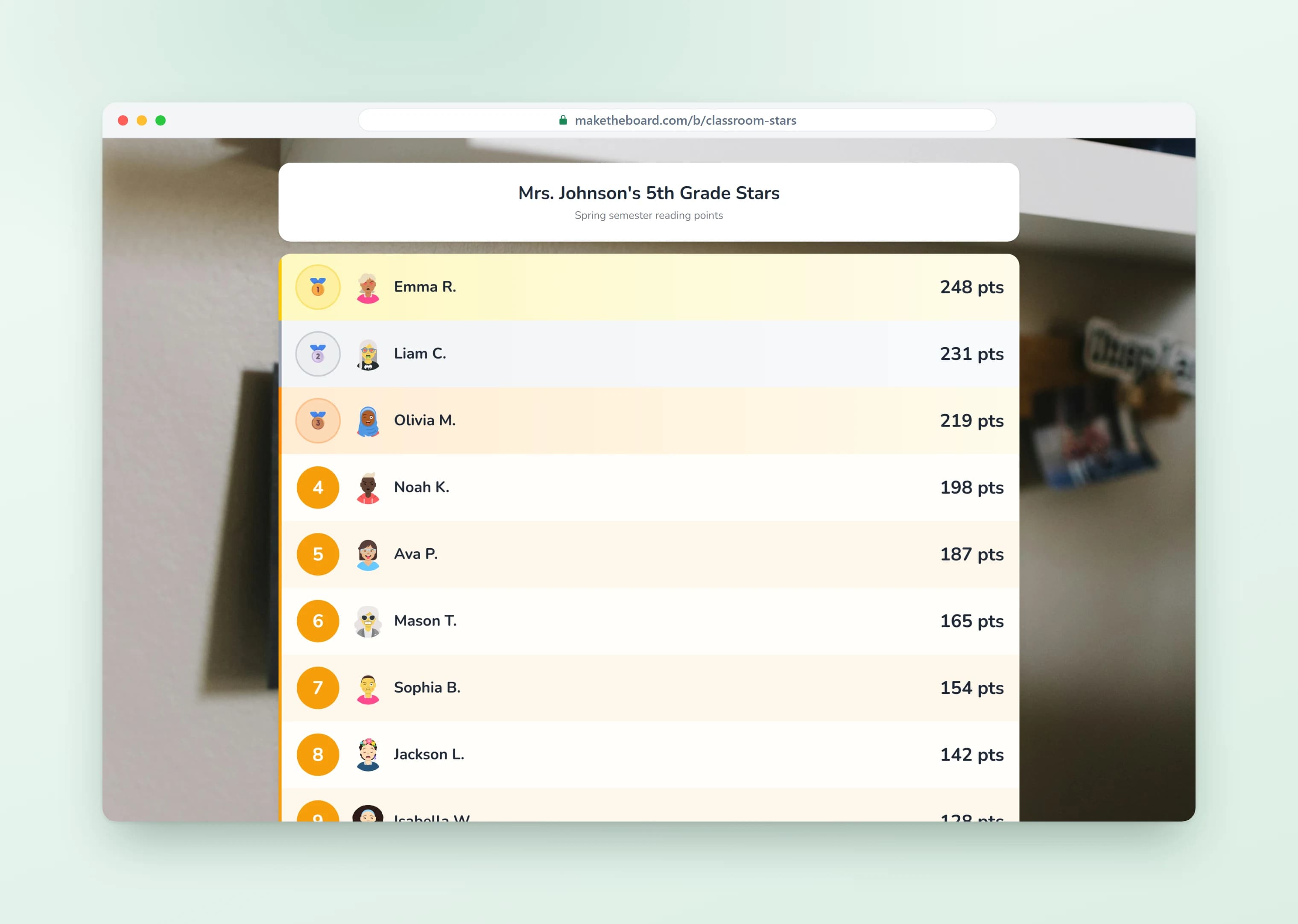
Quiz Scoreboard with Rewards for Students
Turn test prep into a Jeopardy-style review game with a live team scoreboard on your projector. Update points after every question and let students cheer as the classroom rankings change in real time.
Build a quiz scoreboard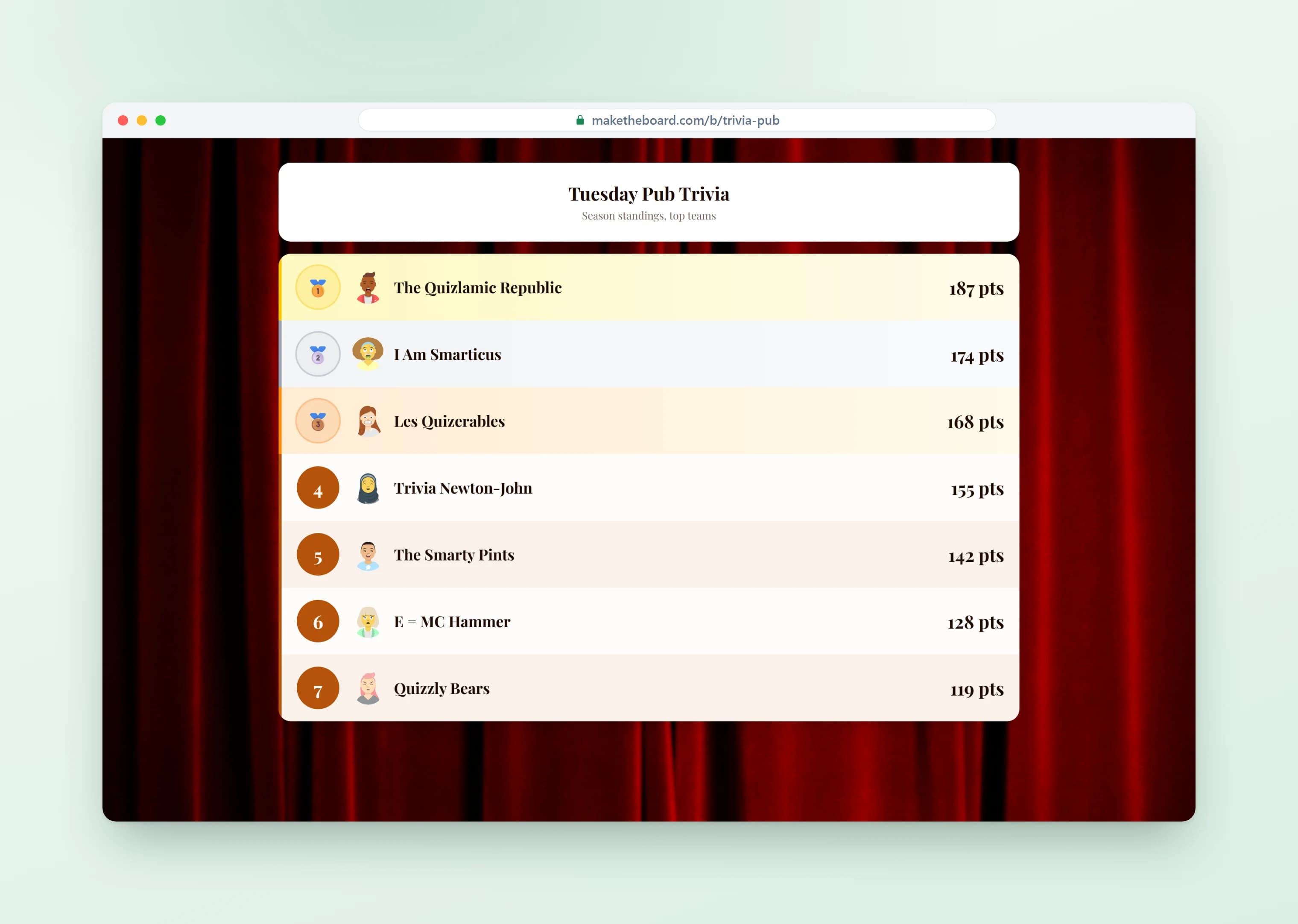
Classroom Leaderboard Templates & Ideas
Pick a template, customize it for your class, and launch in seconds. For a deeper walkthrough, read our guide on how to create a leaderboard for your classroom.
Reading Challenge Tracker
Track books or pages read per student. Students race to the top while building a lifelong reading habit. Perfect for AR or reading log challenges.
House Points Competition
Divide the class (or grade) into houses or teams and award points for behavior, participation, and achievements. Display on the hallway TV for maximum impact.
Quiz & Trivia Scoreboard
Run weekly quizzes and keep a running class scoreboard all semester. Great for Kahoot-style review games, spelling bees, and test prep competitions.
Behavior & Participation Points
Reward positive behavior, class participation, and helpfulness. A visible points tracker keeps students motivated all day without the hassle of a paper chart.
STEM & Science Fair Rankings
Score science projects, coding challenges, or math olympiad results. Students see rankings update live as judges submit scores.
Fitness & PE Challenges
Track laps run, push-ups completed, or steps walked. Great for PE class challenges, field day events, and school-wide fitness campaigns.
Frequently Asked Questions
Yes! The free plan lets you create up to 2 leaderboards with 15 students each, no credit card required. That covers most classrooms. Upgrade to Pro ($24/mo) for up to 25 boards, 50 students per board, your school's logo and colors, and shared admin access for up to 3 teachers. Premium ($52/mo) raises that to 100 boards, 500 students, unlimited co-teachers with roles, and an audit log.
No. Students view the leaderboard in any web browser with no login. If you enable self-registration, they just type their name. No email or password needed. There is nothing to install on student devices.
Open the leaderboard's shareable link in any browser on your smartboard, projector, Chromecast, or classroom TV. The display adapts to any screen size automatically and updates in real time as you award points.
Absolutely. Open the admin dashboard on your phone and tap to add or subtract points while you walk around the room. The projector display updates instantly, no need to go back to your desk.
MakeTheBoard only stores the display names and scores you enter. No student emails, passwords, or personal information is collected. You control whether the board is public or private, and you can delete it at any time.
Yes. Create a separate leaderboard for each class, subject, or activity. The free plan supports 2 boards; Pro supports up to 25. Switch between them from your dashboard.
A spreadsheet doesn't update live for viewers, and a whiteboard takes time to erase and redraw. MakeTheBoard auto-sorts rankings in real time, works on any screen, and lets you update scores from your phone in one tap. Students see changes instantly on the projector.
If you enable self-registration, students can add themselves to the board. Only the teacher (board owner) can update scores, so you stay in full control of the points.
Create a free board, add each student (or let them sign themselves up), and tap to award class points from your phone or computer. The online points tracker auto-sorts the rankings and shows them live on your projector, with no spreadsheet or paper chart to maintain.
The best classroom reward systems are visible, instant, and consistent. Award points for the behaviors you want to see (participation, kindness, effort, reading) and display them live so students get immediate recognition. MakeTheBoard turns that into a digital classroom reward system you can run all year without the busywork.
Set up a classroom point system in about a minute: create a board, name your point categories or teams, and decide what each behavior or task is worth. Then award points on the fly and let the leaderboard re-rank automatically. You can run one point system for the whole class or separate boards per group.
Popular rewards for students include extra recess, line-leader or helper jobs, homework passes, a class movie, or choosing the next activity. Many teachers run a classroom money reward system or a ticket reward system where points cash out for prizes in a classroom store. Pair them with points for reading, behavior, participation, and teamwork. Students can watch their progress toward a reward climb live on the board.
Yes. MakeTheBoard works as a house points tracker for any Hogwarts-style setup. Sort students into houses or teams, award house points for behavior, participation, and achievements, and display the running house points totals live on your projector or hallway TV. Because the board re-sorts automatically, students always see which house is in the lead without you maintaining a chart by hand.
Not exactly. MakeTheBoard isn't a full LMS and doesn't replace Google Classroom for assignments, grading, or messaging. It's a focused live points and leaderboard display that teachers run alongside Google Classroom to gamify points, behavior, and challenges on the projector. Use Google Classroom for coursework and MakeTheBoard for the live, motivating scoreboard.
ClassDojo is a full behavior-management platform with parent messaging, student portfolios, and individual accounts. MakeTheBoard is simpler and display-first: a projector-friendly live leaderboard you set up in a minute with no student accounts to manage. If you mainly want a big, motivating scoreboard the whole class can see, MakeTheBoard is the lighter-weight option.
Ready to Energize Your Classroom?
Create a free classroom leaderboard in under a minute. No credit card, no installs.
Explore More from MakeTheBoard
Leaderboard Maker
The full leaderboard builder. Works for classrooms, sales teams, and any competition.
Scoreboard Maker
Head-to-head scoreboards for PE class, sports days, and game nights.
Goal Tracker
Visual progress bars for class-wide reading goals, fundraisers, and challenges.
Fundraising Thermometer
Track school fundraiser donations with a classic thermometer display.
What Is a Leaderboard?
The concept explained: types, psychology, and best practices for building effective leaderboards.