For tournaments, quiz nights & contests
Tournament & Competition Leaderboard
Track scores for quiz nights, hackathons, esports tournaments, trivia, and any contest. Display live rankings on a TV or projector, update from your phone, and let everyone see the competition unfold in real time.
Powering leaderboards for thousands of people
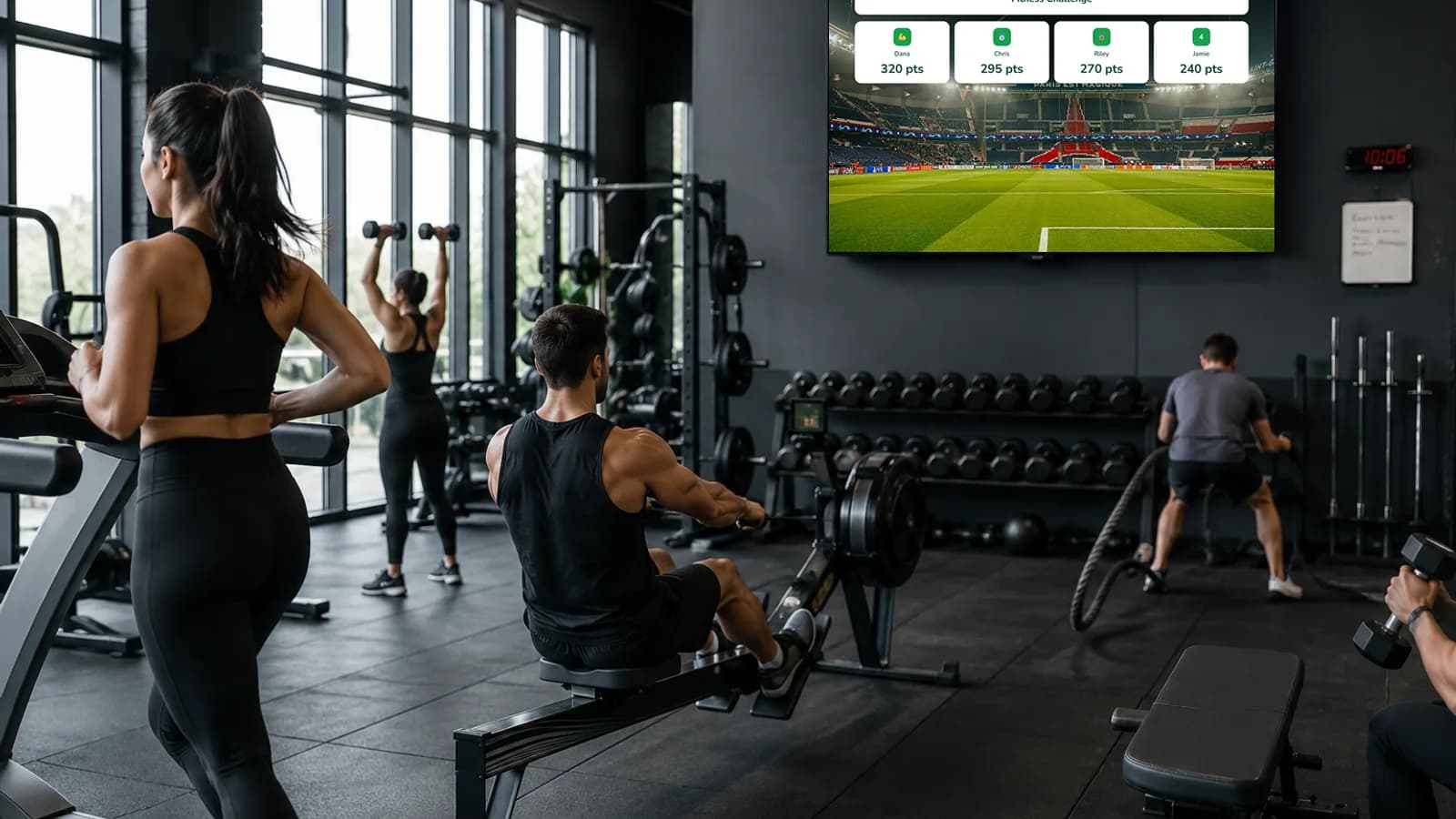
Built for Competitions and Live Events
Fast setup, real-time updates, and a TV-ready display that makes any contest feel professional.
Multi-Round Scoring
Track scores across heats, rounds, or stages. Cumulative totals update automatically so participants always know the overall standings.
Tournament Bracket Support
Organize single-elimination, double-elimination, or round-robin brackets. Advance winners automatically and display matchups clearly.
Quiz Night & Trivia Display
Project live standings during pub trivia, quiz bowls, or knowledge competitions. Teams see their rank shift after every round.
Esports & Hackathon Ready
Built for fast-paced digital competitions. Whether it's a gaming tournament or a 48-hour hackathon, scores update in real time across all screens.
Spectator-Friendly Sharing
Share a live link with spectators, stream viewers, or event attendees. Everyone follows the same real-time leaderboard from their own device.
Participant Self-Registration
Competitors sign up through a registration link. No spreadsheets. Ideal for open-entry tournaments, community events, or company game nights.
Live Rankings on the Big Screen
Open the leaderboard link on a projector, smart TV, or venue screen. As you enter scores, rankings shuffle in real time. The crowd watches positions change, and that is what makes competitions exciting.
Create a competition leaderboard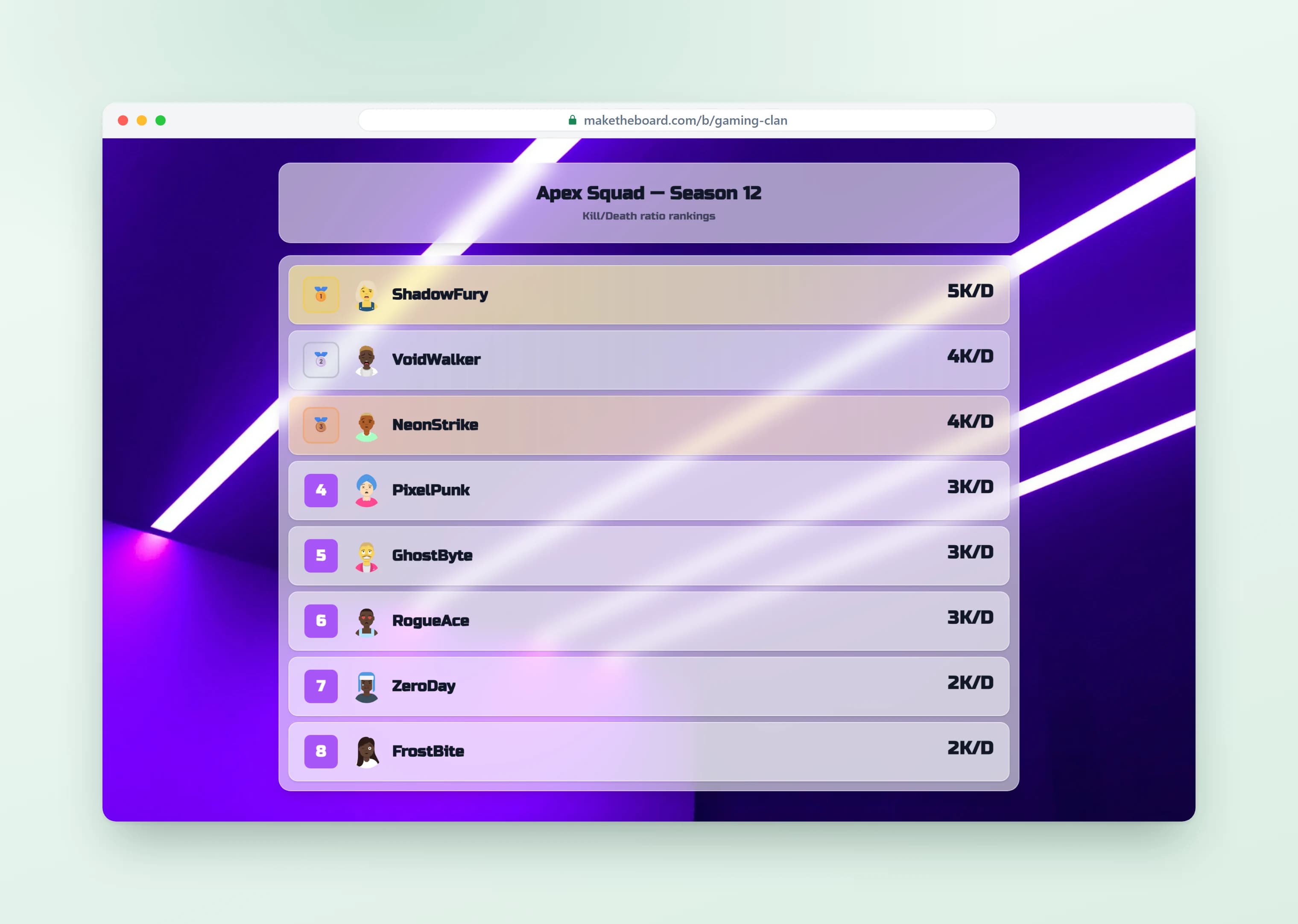
Multi-Round Scoring That Auto-Calculates
Add scores round by round and MakeTheBoard auto-calculates cumulative totals and re-sorts the rankings. Perfect for trivia nights, quiz bowls, and multi-stage tournaments where the lead changes every round.
Explore the scoreboard maker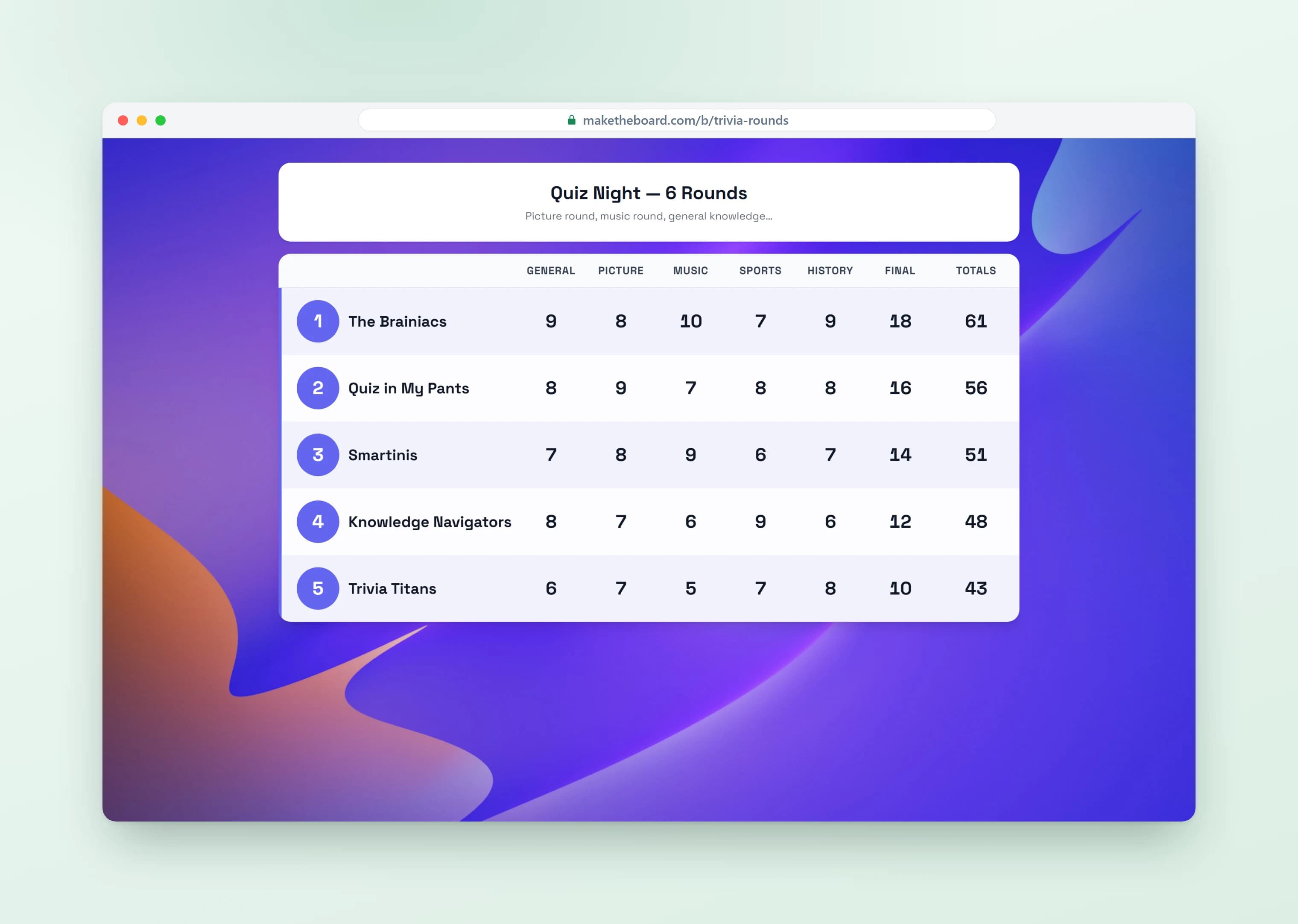
Share a Link or Embed Anywhere
Every leaderboard gets a public link and an embed code. Share it in Discord, post it in your Twitch stream, paste it on your event page, or text it to participants. It updates in real time wherever it's viewed.
Learn about sharing & embedding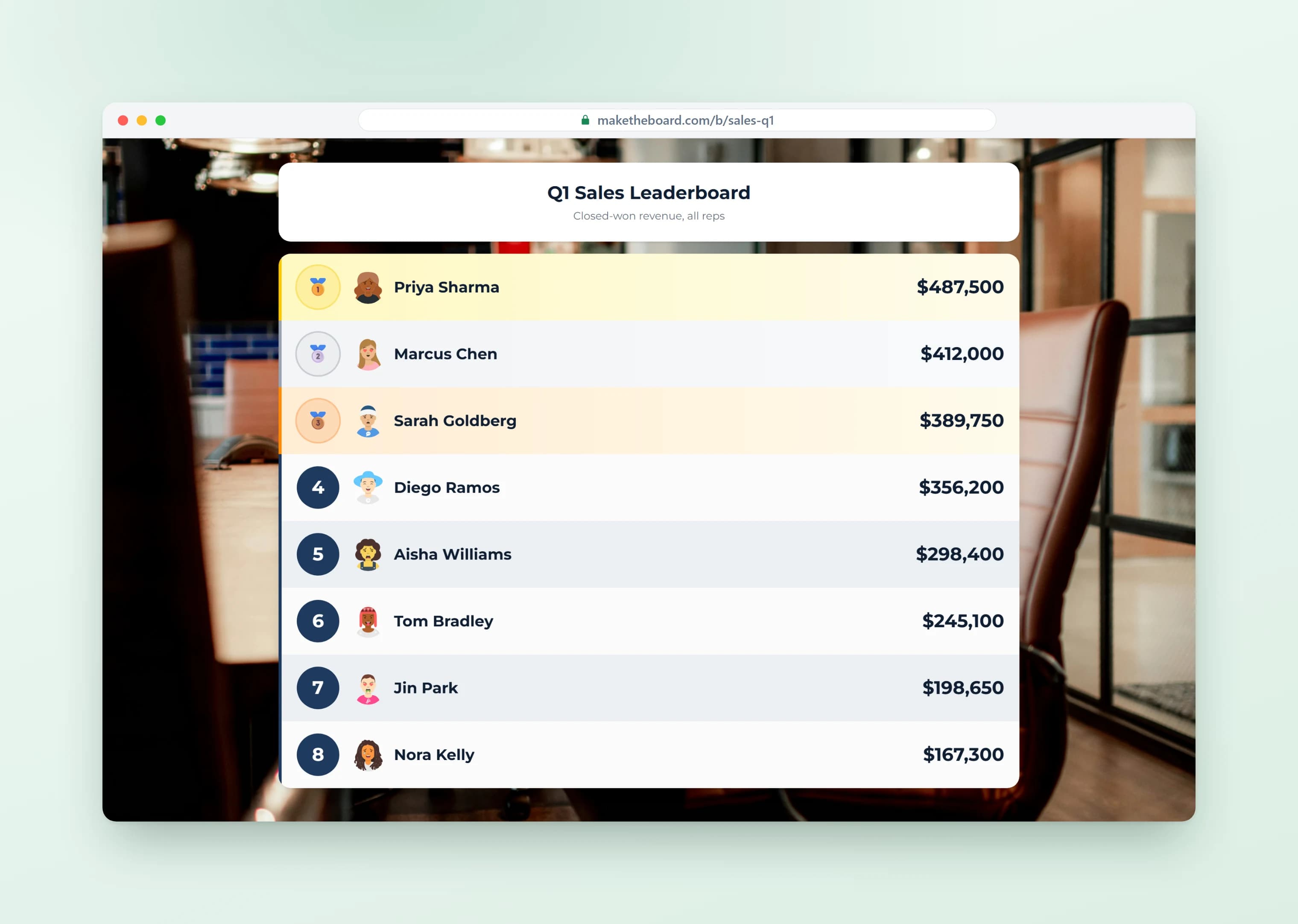
Track League Standings Round by Round
Run a multi-week league or tournament and let cumulative standings build automatically after every round. Whether it is a darts league or a season-long contest, the leaderboard keeps the running totals so competitors always know where they stand.
Create a competition leaderboard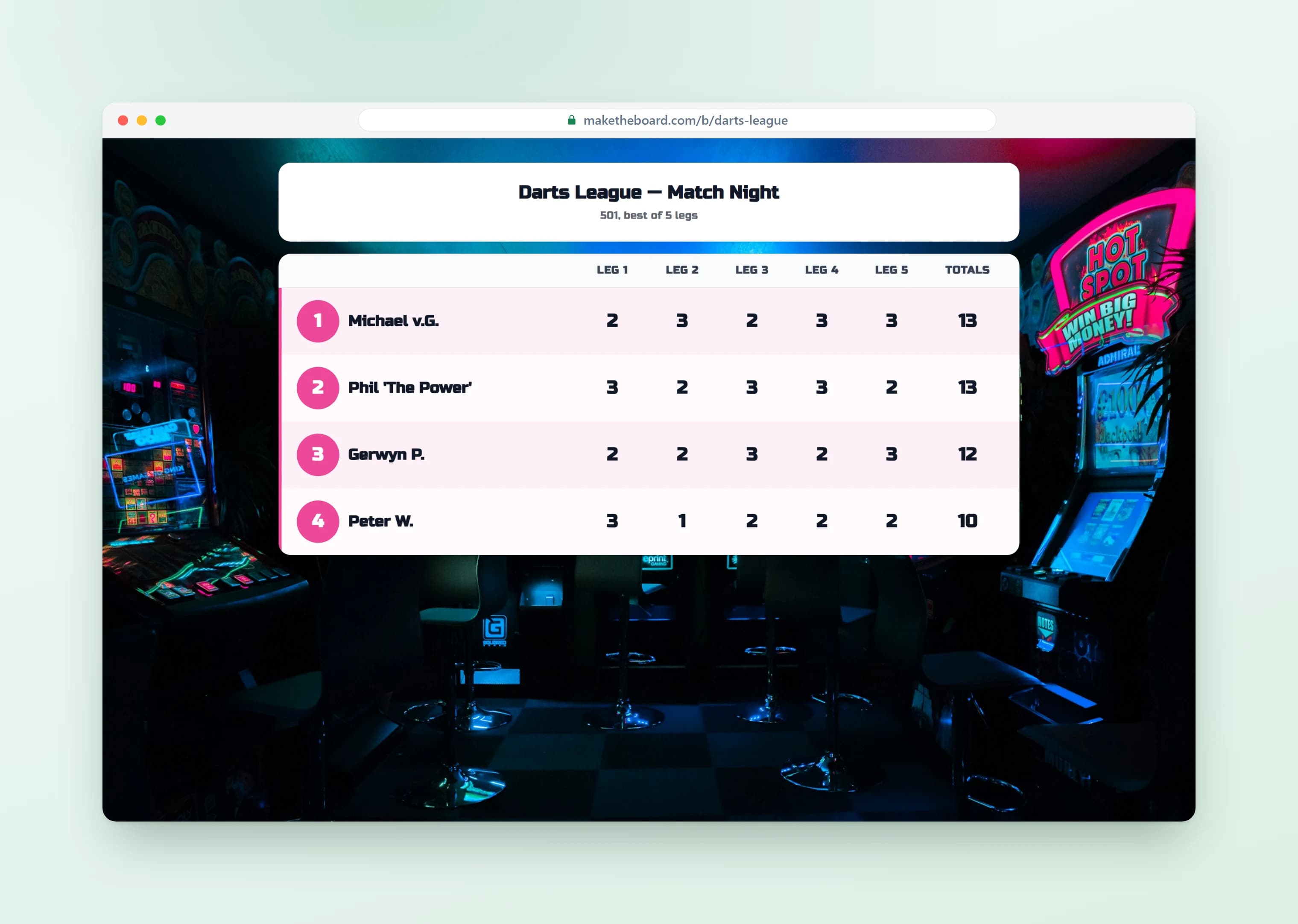
Set Up Brackets and One-Off Contests in Minutes
From golf outings to brackets and one-off contests, you can build a live scoreboard in minutes and share a single link. Add your players, enter scores, and everyone follows the rankings on any screen, no setup headache required.
Start a contest leaderboard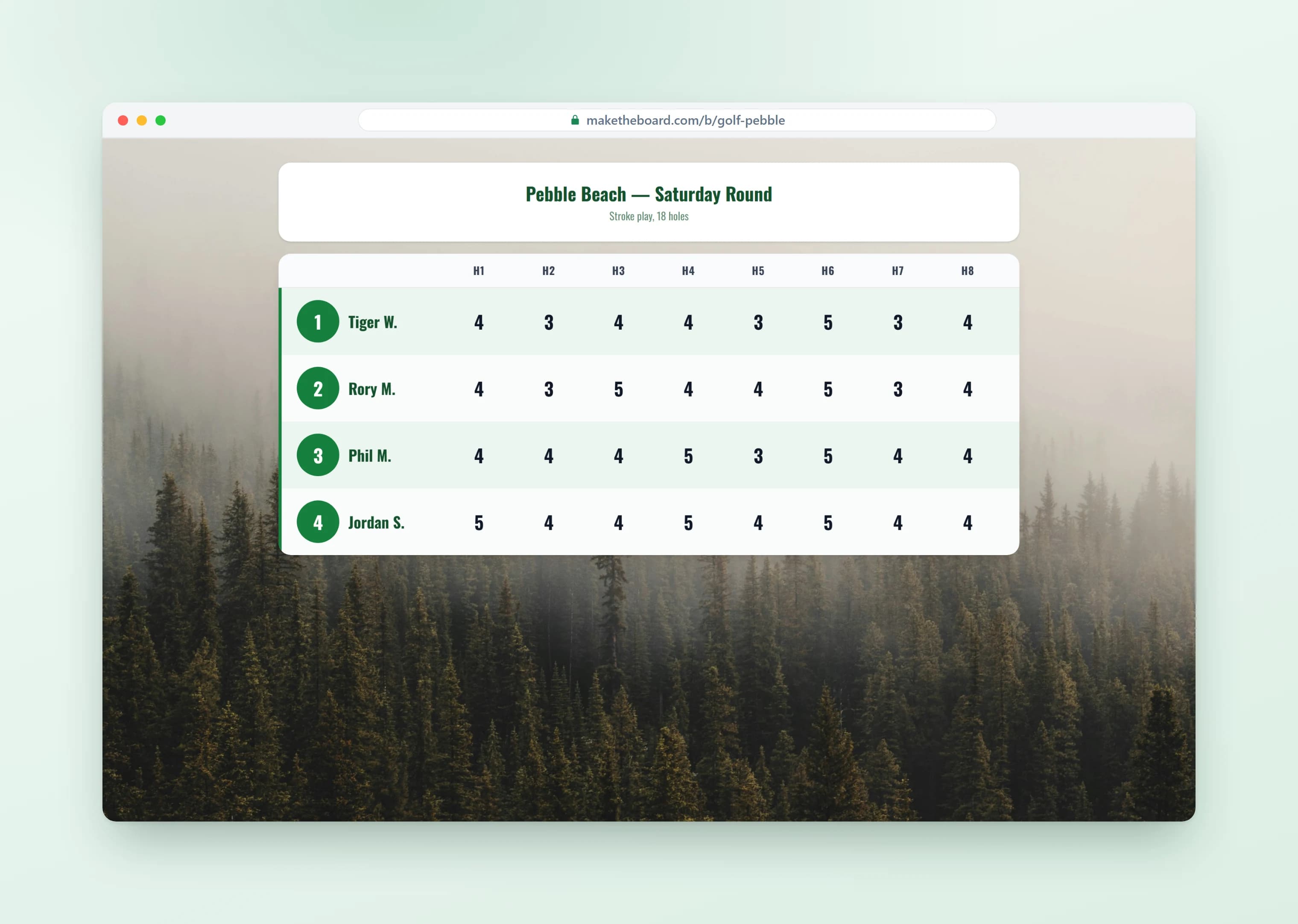
Competition Leaderboard Templates & Ideas
Pick a format, add your competitors, and go live in seconds. For a step-by-step playbook, read our guide on how to run a competition leaderboard.
Quiz Night Scoreboard
Track team scores across multiple rounds of trivia. Display the live scoreboard on the bar TV or projector. Update between rounds from your phone.
Hackathon Leaderboard
Score teams by judges' ratings, demo quality, or code challenge completions. Display live standings on a screen at the venue or share the link in Slack.
Esports Tournament
Track wins, kills, or tournament points across an esports event or LAN party. Share the link in Discord or overlay it on your Twitch stream.
Sports Day / Field Day
Track points across events at a school sports day or community field day. Rank teams or individuals and display on the field scoreboard.
Company Game Night
Run a company trivia night, board game tournament, or team-building competition. The live leaderboard keeps energy high and gives everyone something to rally around.
Spelling Bee / Academic Bowl
Track elimination rounds, cumulative scores, or head-to-head matchups at spelling bees, science olympiads, and academic decathlons.
Frequently Asked Questions
Yes. The free plan lets you create up to 2 leaderboards with 15 participants each, no credit card required. That covers most tournaments and quiz nights. Upgrade to Pro ($24/mo) for up to 25 boards, 50 participants, custom branding, and shared admin access for up to 3 organizers. Premium ($52/mo) raises that to 100 boards, 500 participants, unlimited organizers with roles, and an audit log. A tournament bracket takes a full 16-team draw free, 128 entrants on Pro and 512 on Premium.
Absolutely. Create a leaderboard, add team or player names, and update scores after each round. Display the live scoreboard on a TV or projector so everyone can see the rankings change in real time. No app install needed for viewers.
Yes. MakeTheBoard works for any competition with a score: esports tournaments, LAN parties, online gaming leagues, and streaming events. Share the live link in your Discord or Twitch chat and viewers see rankings update instantly.
Yes. Add scores round by round and the cumulative total auto-calculates and auto-sorts. Perfect for quiz bowls, trivia nights, and multi-stage tournaments.
Yes. Open the shareable link in any browser on a smart TV, projector, Chromecast, or wall-mounted monitor. The responsive layout fills the screen and updates in real time as you enter scores from your phone.
Yes. With the Premium plan, invite other judges or organizers as collaborators. Everyone can update scores from their own device (phone, tablet, or laptop) and the leaderboard updates instantly for all viewers.
Yes. The public link is view-only, so anyone can check the rankings without creating an account or installing an app. Share it in chat, post it on social media, or display it on a screen.
Yes. Every leaderboard gets a unique embed code. Paste it into your event page, Discord server widget, WordPress site, or any page that supports HTML embeds. It updates in real time.
A spreadsheet doesn't auto-sort, doesn't look good on a TV, and requires viewers to refresh. MakeTheBoard auto-ranks participants, updates every screen in real time, and has a clean, TV-ready display designed for competitions.
Ready to Run Your Next Competition?
Create a free tournament leaderboard in under a minute. No credit card, no app installs.
Explore More from MakeTheBoard
Free Leaderboard Maker
The full leaderboard builder. Works for tournaments, classrooms, sales teams, and any competition.
Scoreboard Maker
Head-to-head and multi-team scoreboards for sports matches and game nights.
Classroom Leaderboard
Teachers use it for quiz competitions, reading challenges, and spelling bees.
Goal Tracker
Visual progress bars for competition milestones, team goals, and fundraising targets.
What Is a Leaderboard?
The concept explained: types, psychology, and best practices for effective leaderboards.