Team Collaboration
There are two ways to work on boards with other people: send a board's management link to anyone who should run it, or set up a Premium team so your colleagues share your plan and can find each other's boards.
Which plan do I need?
Collaboration features
| Feature | Free | Pro | Premium |
|---|---|---|---|
| Management link (editing access, one per board) | ✕ | ✓ | ✓ |
| Team workspace (up to 4 people) | ✕ | ✕ | ✓ |
| Teammates get Premium features | ✕ | ✕ | ✓ |
| Audit log | ✕ | ✕ | ✓ |
Only need help with scores?
Give someone editing access to a board
This is how you give another person admin rights to a board. Every board has one management link: whoever opens it gets the board's editor, with no account or sign-in needed.
Open Share on the board
Go to the Editing access tab
Copy the link and send it
What the link holder can and can't do
| Action | Board owner | Management link |
|---|---|---|
| Update scores and participants | ✓ | ✓ |
| Change appearance and board settings | ✓ | ✓ |
| Download or export board data | ✓ | ✕ |
| Duplicate or delete the board | ✓ | ✕ |
| Regenerate or turn off the management link | ✓ | ✕ |
| Upgrade the board or the plan | ✓ | ✕ |
Limits such as the participant cap always follow the board owner's plan. If the owner's plan lapses to Free, the link stops granting edit access until the owner upgrades again.
One link, shared by everyone you send it to
Set up a Premium team
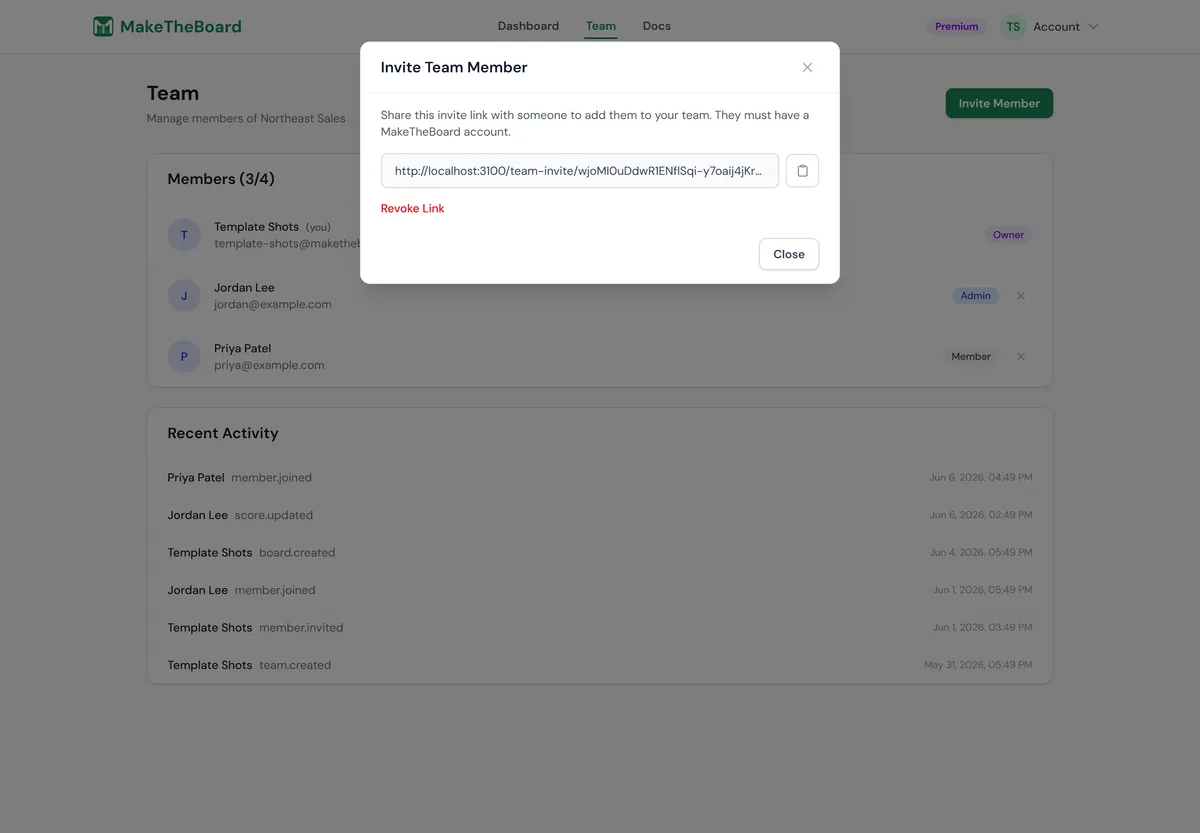
A team is a small shared workspace of up to four people: you plus three members. Everyone on the team gets Premium features on their own boards, and everyone's boards appear together on the dashboard.
Create a team
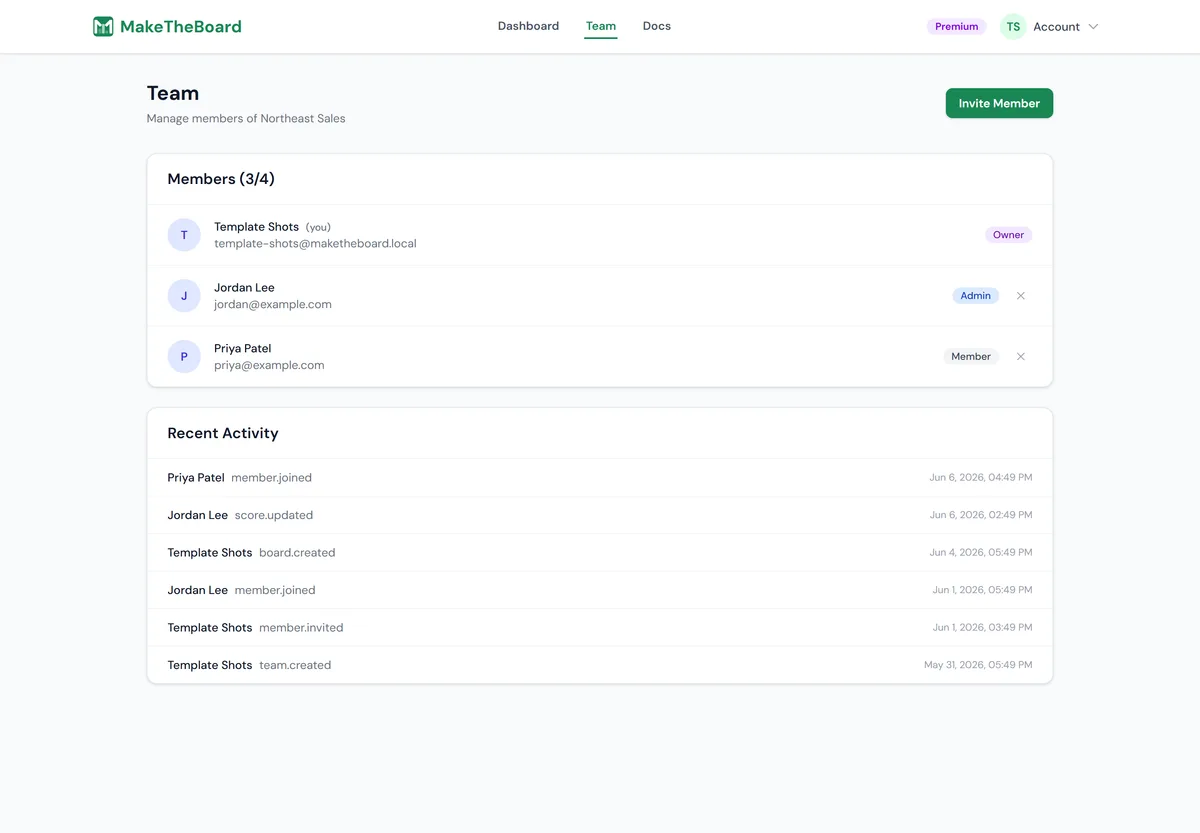
Invite members
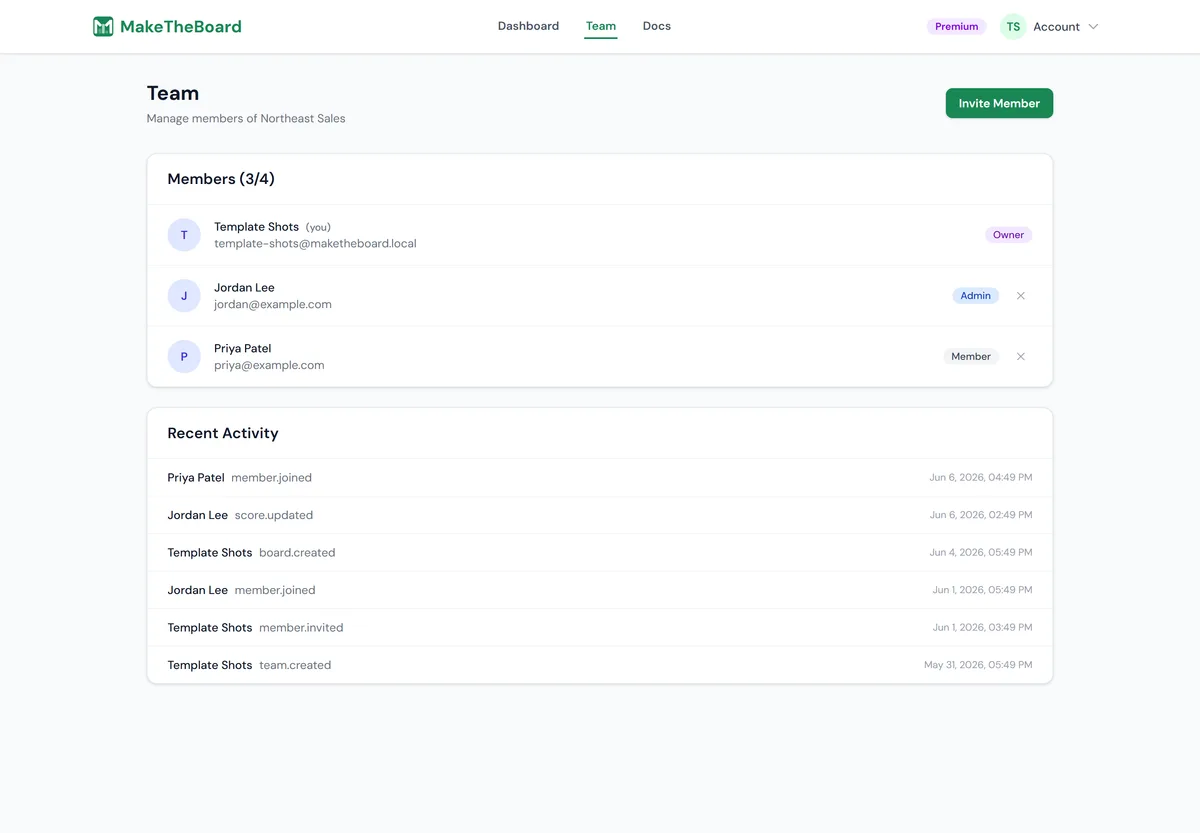
Manage who's on the team
| Capability | Owner | Member |
|---|---|---|
| Premium features on their own boards | ✓ | ✓ |
| See teammates' boards under Team Boards | ✓ | ✓ |
| View the audit log | ✓ | ✓ |
| Invite and remove members | ✓ | ✕ |
| Leave the team | ✕ | ✓ |
Some teams show an Admin badge on a member. It currently has the same permissions as Member; only the Owner can invite or remove people.
Find each other's boards
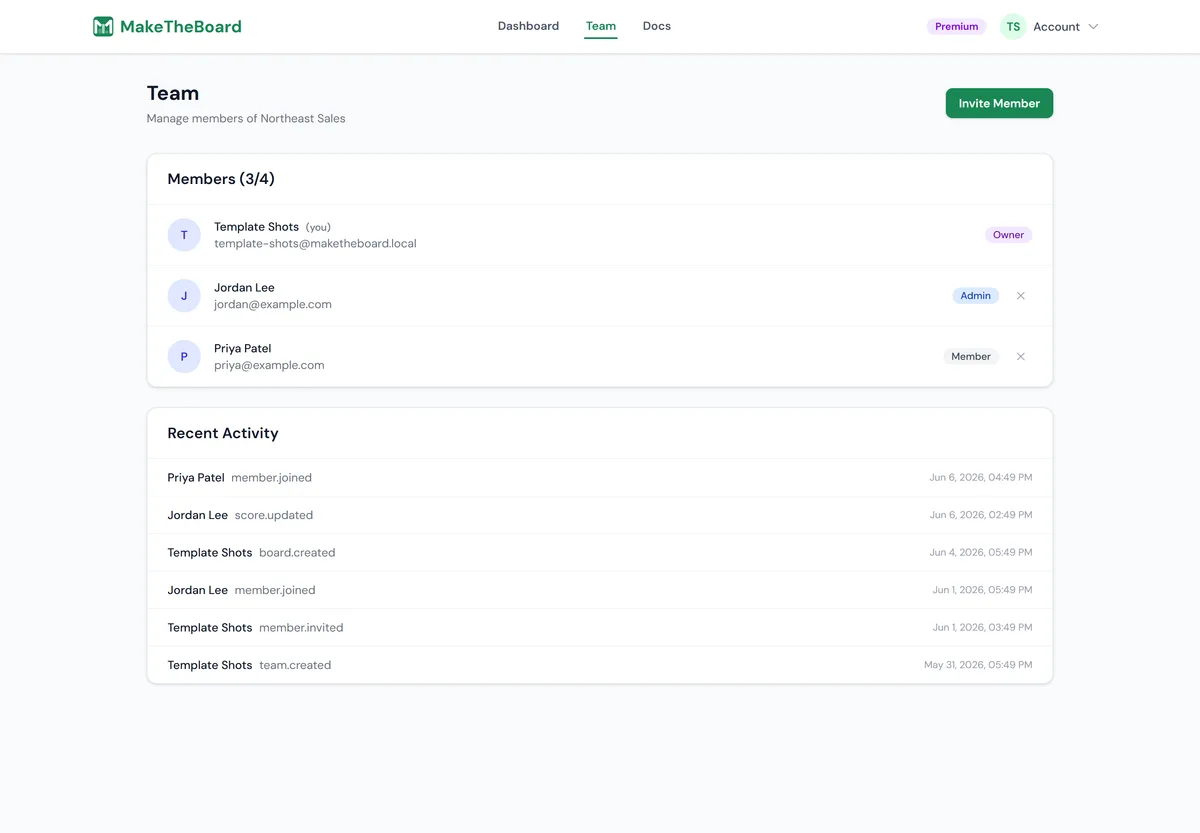
Review the audit log
Frequently asked questions
How do I give another person admin rights to my board?
Open the board, click Share, and go to the Editing access tab. Copy the management link and send it to the person. Anyone who opens that link can run the board — scores, participants, appearance and settings — without signing in. Editing access needs a paid plan (Pro or Premium) on the board owner's account.
Can I give admin access to one specific person instead of a link?
Not yet. Editing access is a single management link per board, and everyone you send it to shares it. To cut someone off, regenerate the link on the Editing access tab (the old one stops working immediately) and send the new link only to the people who should keep access.
What can't someone with the management link do?
They can't delete or duplicate the board, export its data, change or turn off the management link, or buy upgrades for it. Limits such as the participant cap follow the board owner's plan.
How do I stop someone from editing my board?
Click Share, open Editing access, and choose Regenerate link to issue a new one, or Turn off access to disable editing links for that board entirely. Both take effect immediately and don't change your public view link.
Does a team give my teammates editing access to my boards?
A Premium team lists every member's boards in a Team Boards section on each member's dashboard and gives every member Premium features on their own boards. To let a teammate update scores on one of your boards, send them that board's management link.
Related guides