Free online goal tracker
Free Online Goal Tracker
Put targets on a board your team checks. Add sales quotas, class challenges, fundraisers, or personal milestones, then update every total from one shareable view.
Powering leaderboards for thousands of people
Simple, Fast, and Screen-Friendly
No setup required. No bloated software. Just goals and progress bars.
Visual Progress Bars
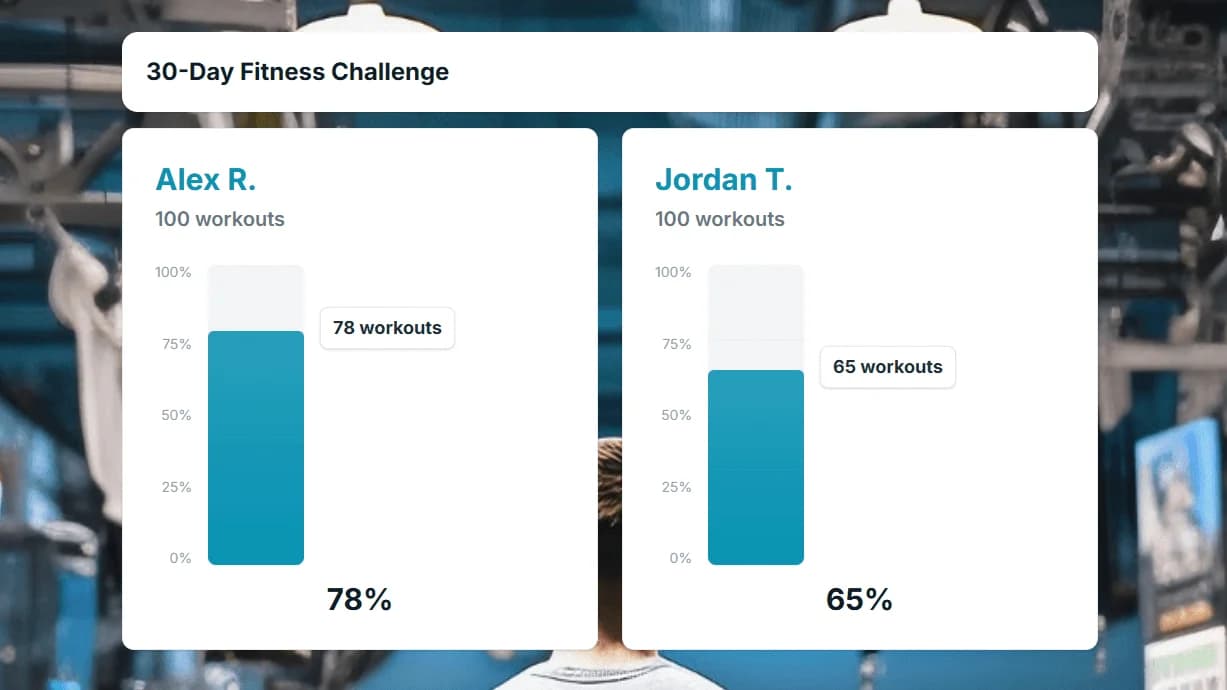
See exactly how close you are to every goal with dynamic progress bars that fill in real time as numbers are updated.
Milestone Alerts
Get notified when a goal hits 25%, 50%, 75%, or 100%. Celebrate wins as they happen and keep momentum high across the team.
Flexible Target Setting
Set numeric targets for any metric: revenue, units, signups, miles run. Each row gets its own goal so you can track wildly different objectives on one board.
Team OKR Dashboards
Align your team around shared objectives and key results. Display company-wide or department-level OKRs on a single, always-up-to-date board.
Share Progress Publicly
Embed your goal tracker on an internal wiki, company intranet, or public webpage so stakeholders always see the latest numbers.
Free to Start
Create your first goal tracker at no cost. Upgrade only when you need advanced features like custom branding or unlimited participants.
A Visual Goal Tracker for Any Target
See all your goals in one dashboard with color-coded progress bars. This visual goal tracker makes it instantly clear which targets are on track and which need attention.
Create a goal trackerShare Progress and Stay Accountable
Share a link so your team, students, or supporters can follow progress live. Display it on a screen, embed it on your website, or drop the link in Slack.
See sharing options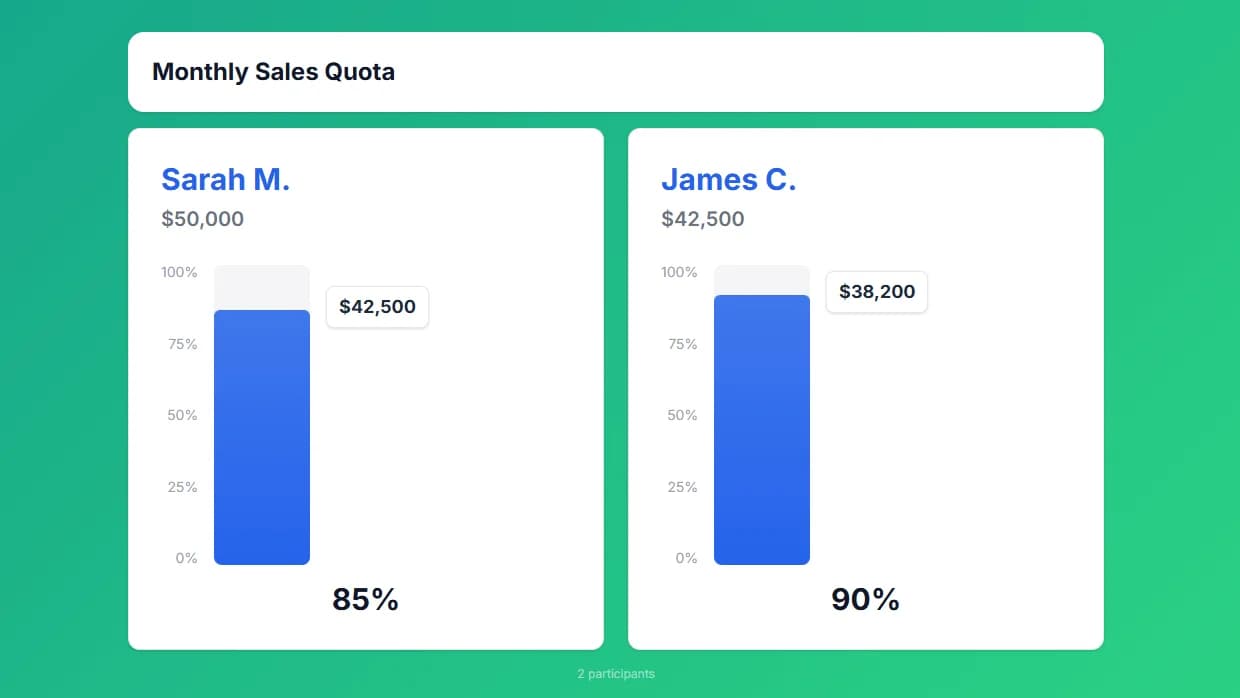
Display on TVs and Dashboards
Keep goals front and center by opening the tracker on an office TV or classroom projector. Update from your phone and watch the progress bar grow in real time.
Set up a TV display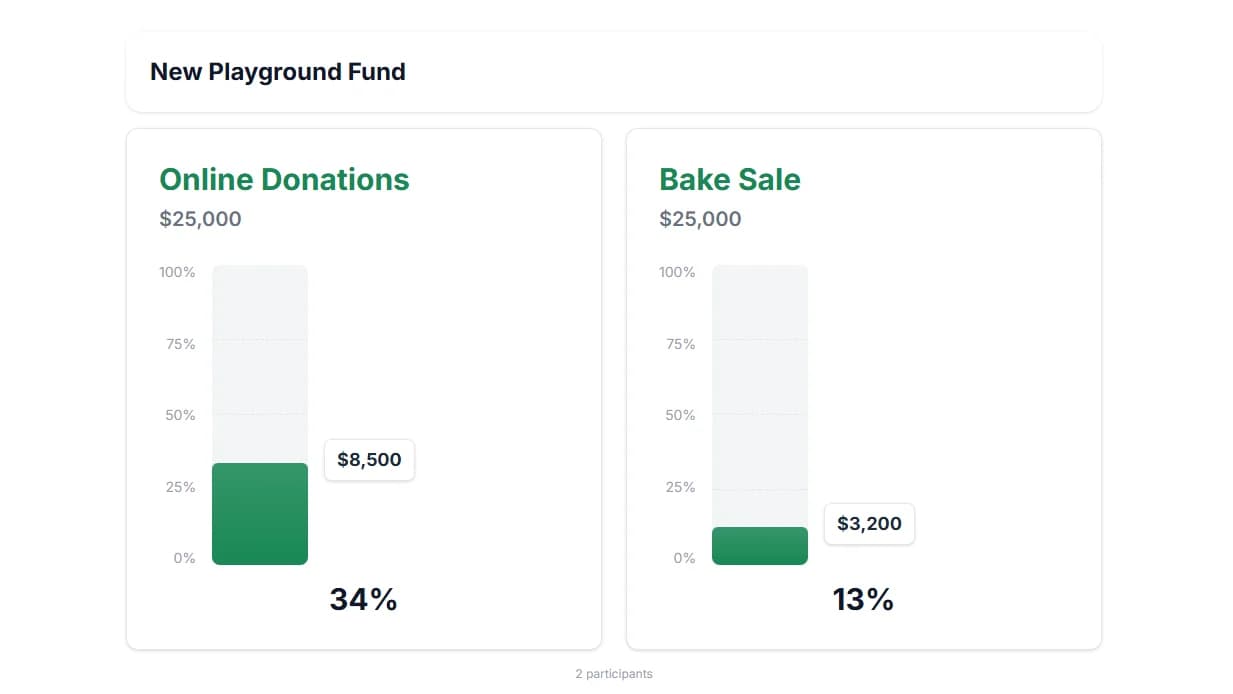
Rally the Team Around a Shared Total
Set one big team goal (total miles, steps, or tasks) and watch a progress bar per person add up to the group target. Friendly visibility keeps everyone motivated to close the gap together.
Create a goal tracker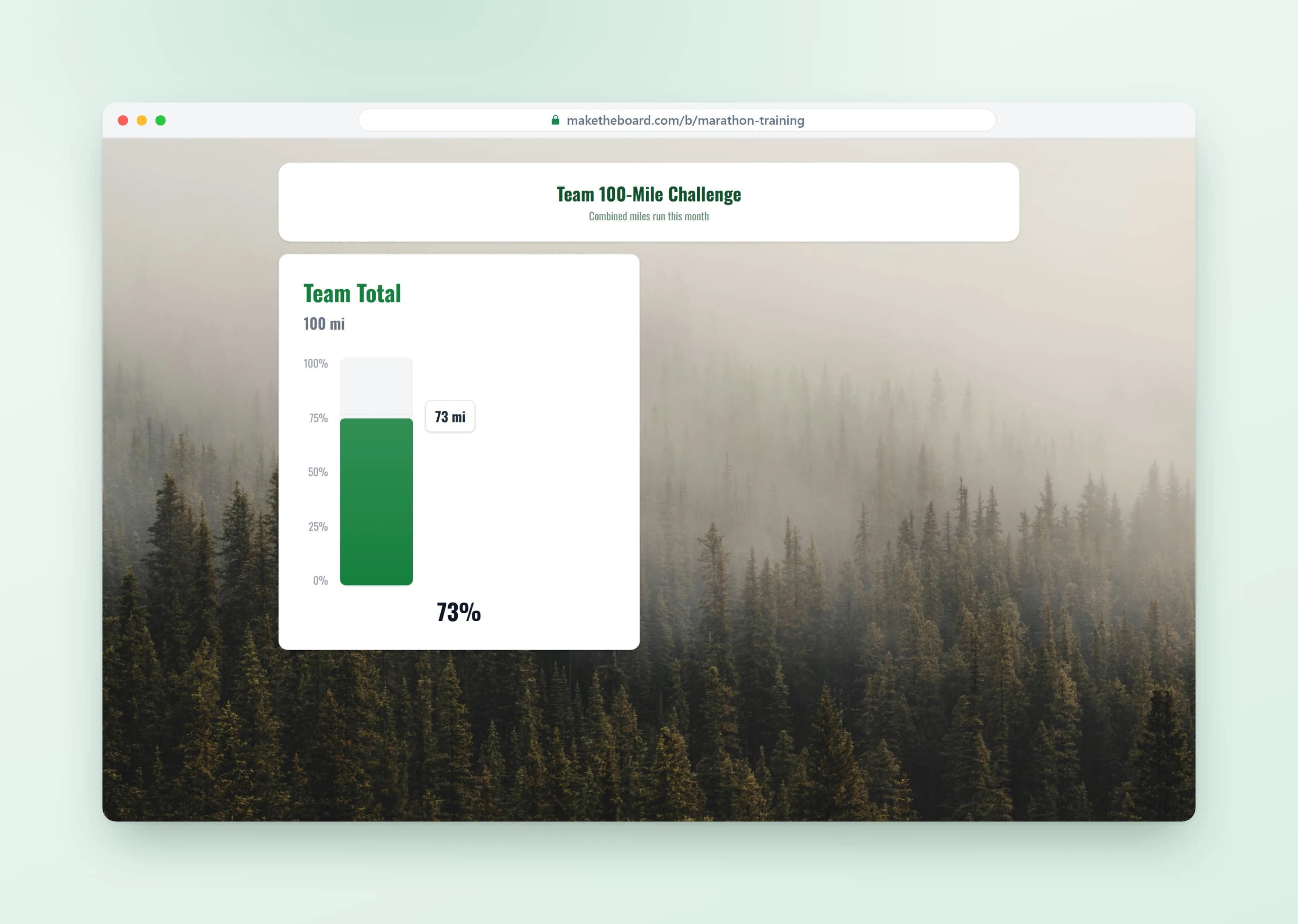
Count Down to a Launch or Deadline
Track signups, OKRs, or any countable target as it climbs toward your launch-day number. Share the live link so the whole team sees exactly how close you are to the goal.
Create a goal tracker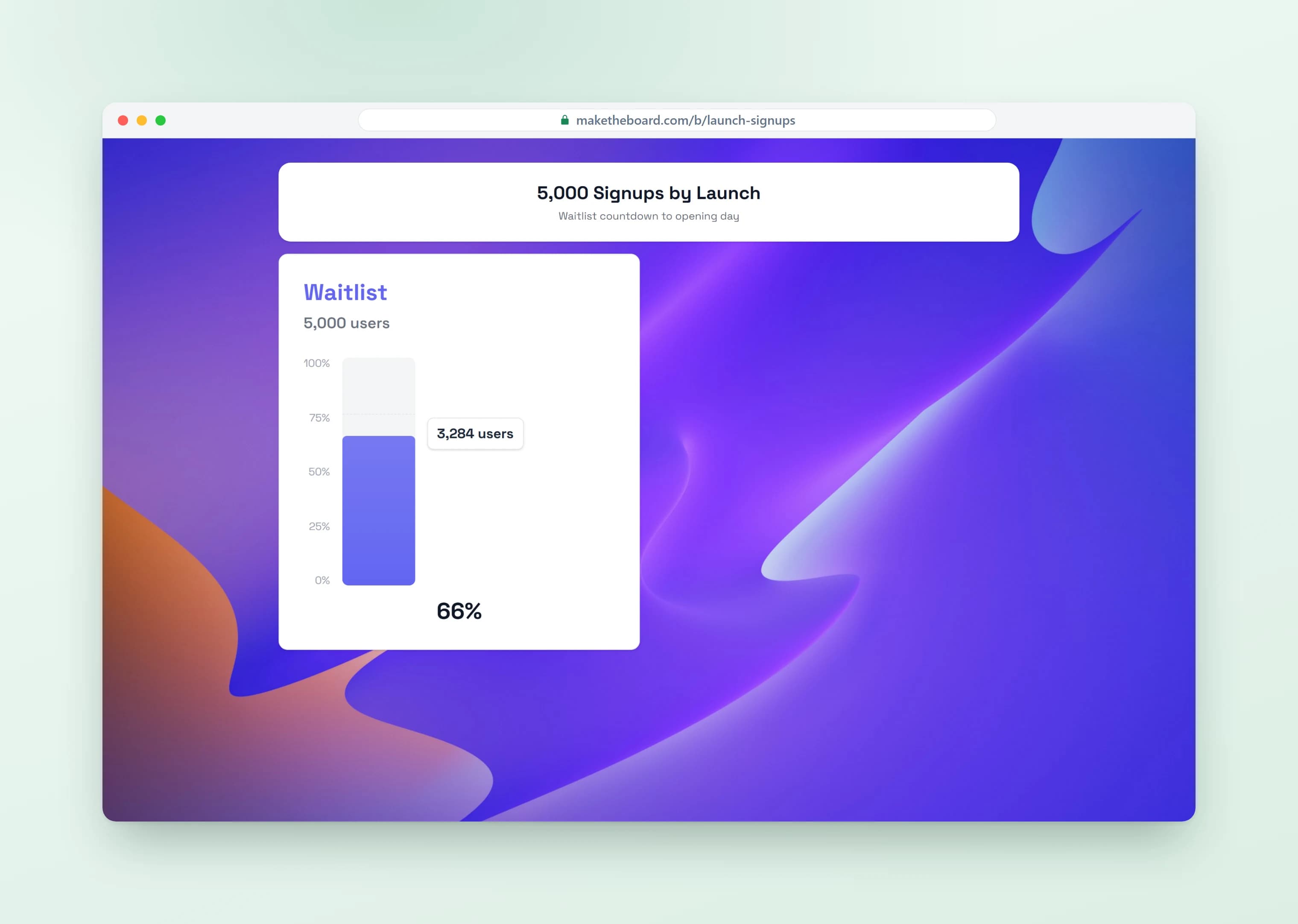
Goal Tracker Use Cases & Ideas
Pick a template, set your target, and share the live link in seconds. For step-by-step setup, read our guide on how to make a leaderboard.
Sales Quotas & Revenue Targets
Put the quarterly number on the office TV. Reps see exactly how close the team is to hitting target.
Classroom Challenges
Reading challenges, points competitions, and class goals. Display on the projector and watch engagement soar.
Fundraising Milestones
Track donations toward a campaign goal. Share the link with supporters so they can see their impact in real time.
Fitness & Personal Goals
Steps walked, miles run, books read, habits completed. Track anything with a number and a target.
Team OKRs & Quarterly Objectives
Visualize OKR progress across teams. Drop the tracker in your standup or quarterly review and stop digging through dashboards.
Reading & Habit Streaks
Track books read, days meditated, workouts logged, or any habit streak. Public progress beats private tracking every time.
Frequently Asked Questions
Yes, and that is the normal way to use it. A board holds as many goals as you need, each with its own label, current total, and target, stacked as separate progress bars. A development team can watch four quarterly OKRs on one screen; a school can run one bar per grade. They all update on the same link, so nobody has to switch tabs to see the whole picture.
Either. Give every participant their own target and each row fills toward a number that belongs to them, which is how step challenges and individual sales quotas work. Or set one shared target for the whole board and let contributions add into a single bar, which is how most fundraisers run. You can change which way a board works after it has data in it.
A shared goal sums every contribution on the board, so the bar reflects the group rather than the best individual. If you want both views at once, run a shared bar for the team total and give each person their own goal underneath — the totals stay consistent because they come from the same entries.
Whoever you want. You can update totals yourself from the control panel on a phone or laptop, hand out an Admin Link so a colleague can update without touching your account, or turn on self-registration so each participant updates their own row. There is no import step and no sync schedule to configure: a number typed on one device is on every screen watching the board within milliseconds.
By default, look. The public link is read-only, needs no account, and works on any phone, laptop, projector, or TV — so you can put it in an email, a Slack channel, or on a screen in reception without worrying about who might change something. Editing is separate: only you, and anyone you hand an Admin Link or self-scoring access to, can move a number.
Yes. Every board has an embed code you can paste into a website, blog post, intranet page, wiki, or donation page. The embedded tracker updates in real time exactly like the link does, so a campaign page shows the live total without anyone re-uploading a graphic.
Both, depending on how you set the board up. Every target renders as a progress bar that fills toward its number — the visual goal tracker view — and a shared target counts each contribution up toward the total, which is what people mean by a goal counter. It's a digital goal tracker underneath either way: updates land on the live link in real time, and on a TV the same board works as a goal scoreboard for the room.
Yes. The free plan gives you 2 boards with up to 15 participants each, real-time updates, the public link, and TV display, with no credit card and no time limit. Pro ($24) and Premium ($52) raise the limits and add branding when you outgrow it.
Ready to Start Tracking Your Goals?
Set up a goal tracker in under 60 seconds. Free to start.