Customize the Look
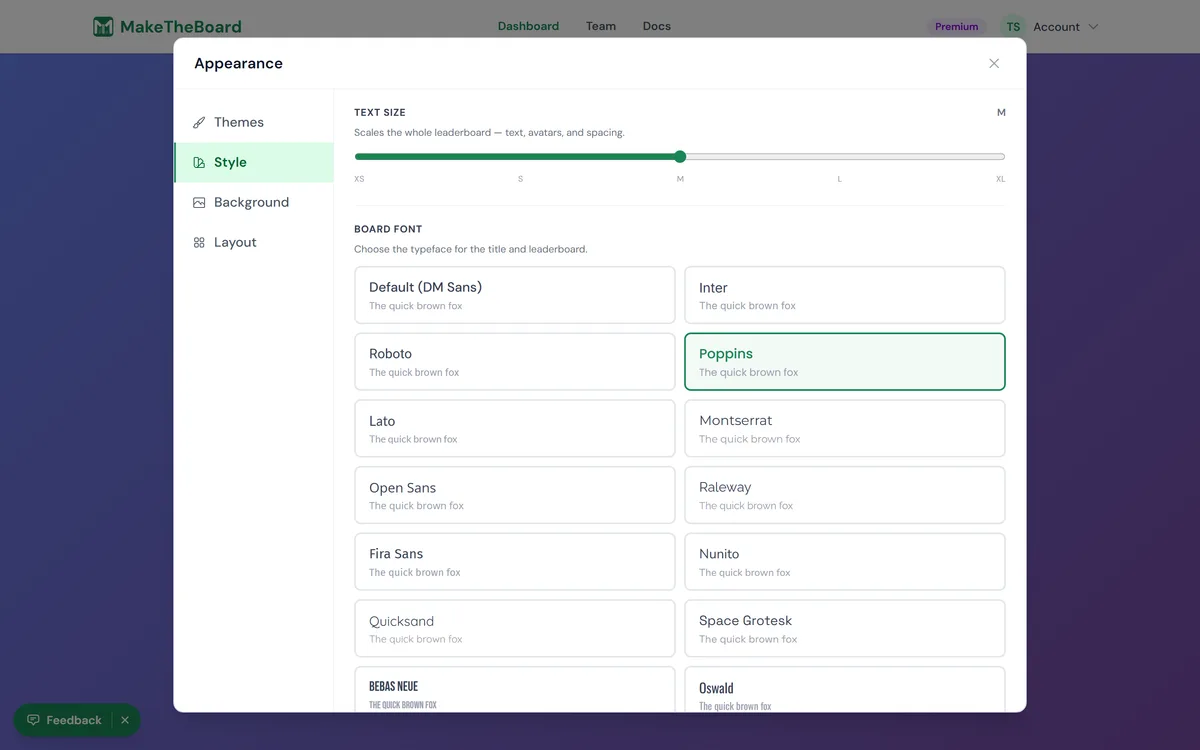
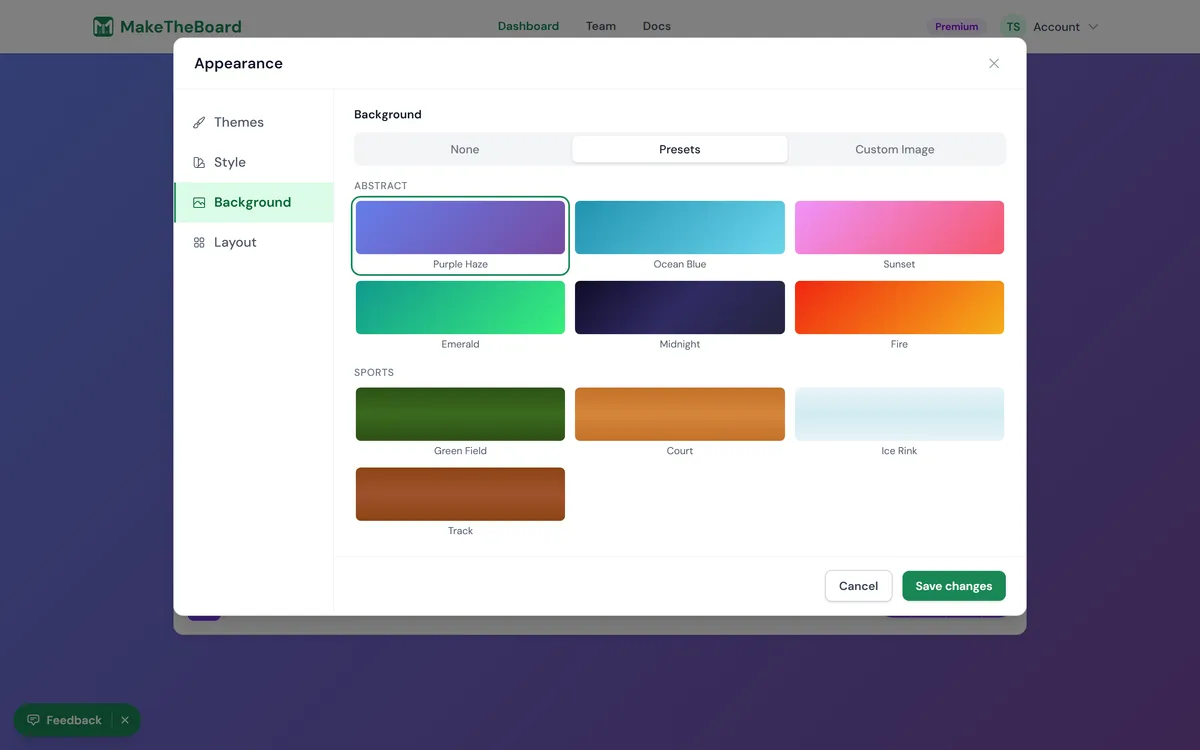
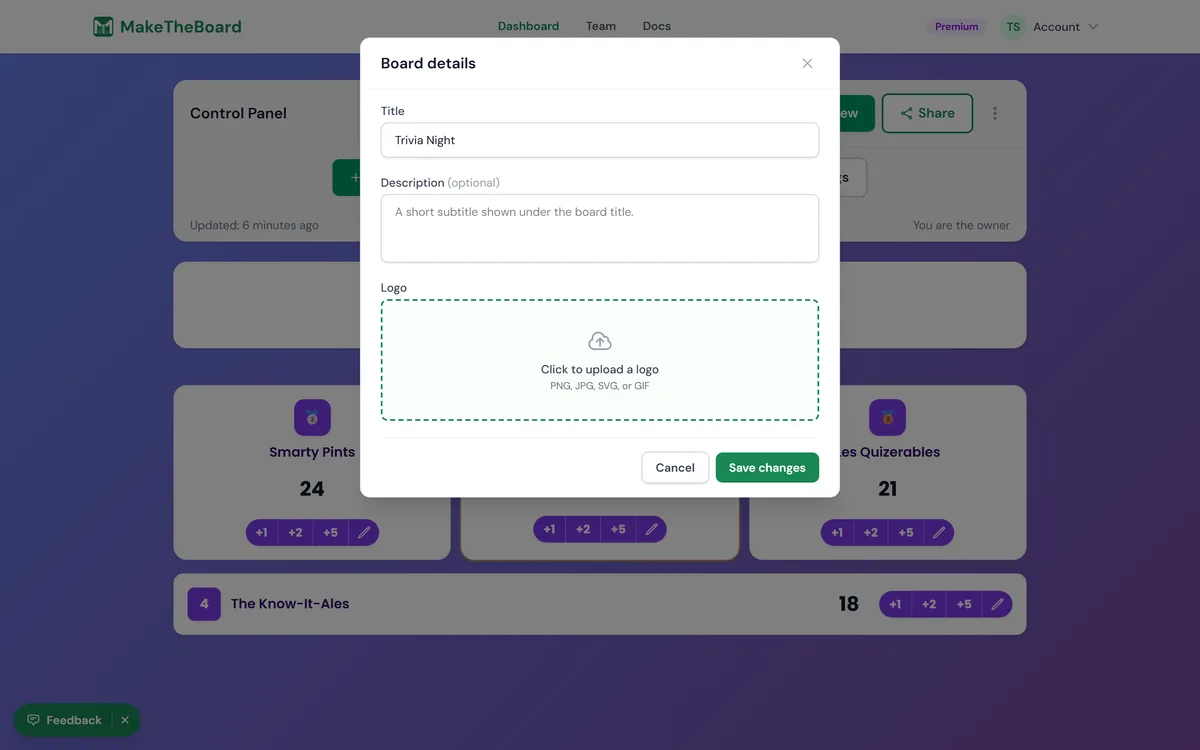
Make a board match your event, team, or brand. Colors, backgrounds, and fonts all live in the Board settings modal, your logo sits right there under Board details, and every change previews live.
Open Board settings
From the board editor at /boards/<slug>, click Board settings in the toolbar. It opens on two tabs — Appearance (details, theme, colors, background, layout) and How it works — and Apply changes commits every tab at once, then broadcasts to viewers.
Set your colors
Choose a background
Pick a font
Upload a logo
Remove the watermark
What needs a paid plan
Sponsor logos
Under your logo in Board details, add up to eight sponsor logos, each linking to the sponsor's website. They show in a row under the board. See sponsor logos.
Designing for a TV?
How it looks to viewers
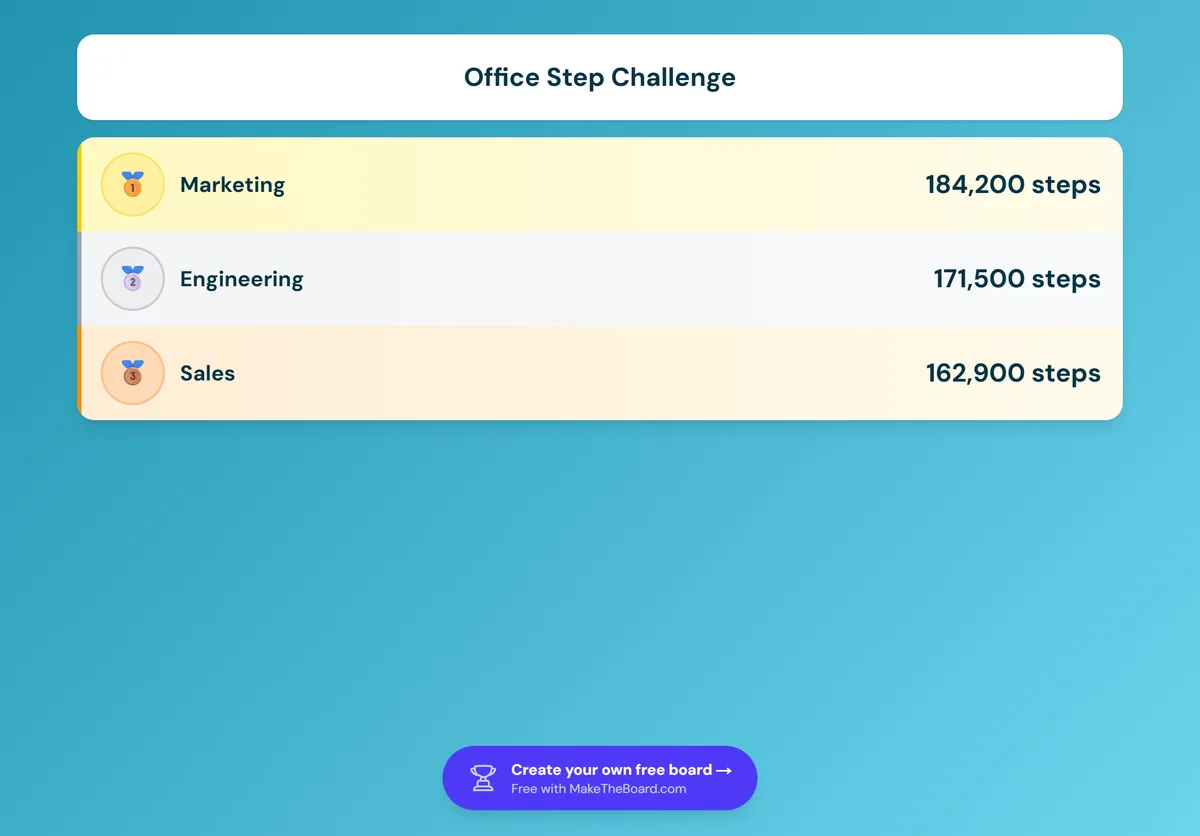
Open the public board at /b/<slug> in another tab to see exactly what your audience gets. On the free plan, a small “Create your own free board” link sits at the bottom of the board. Pro and Premium remove it: