Make a Live Google Sheets Leaderboard
Connect the Google Sheet you already use and turn it into a live, ranked leaderboard you can share or show on any screen. Edit names and scores in your sheet, and the board updates on its own. No formulas, no add-ons.
Powering leaderboards for thousands of people
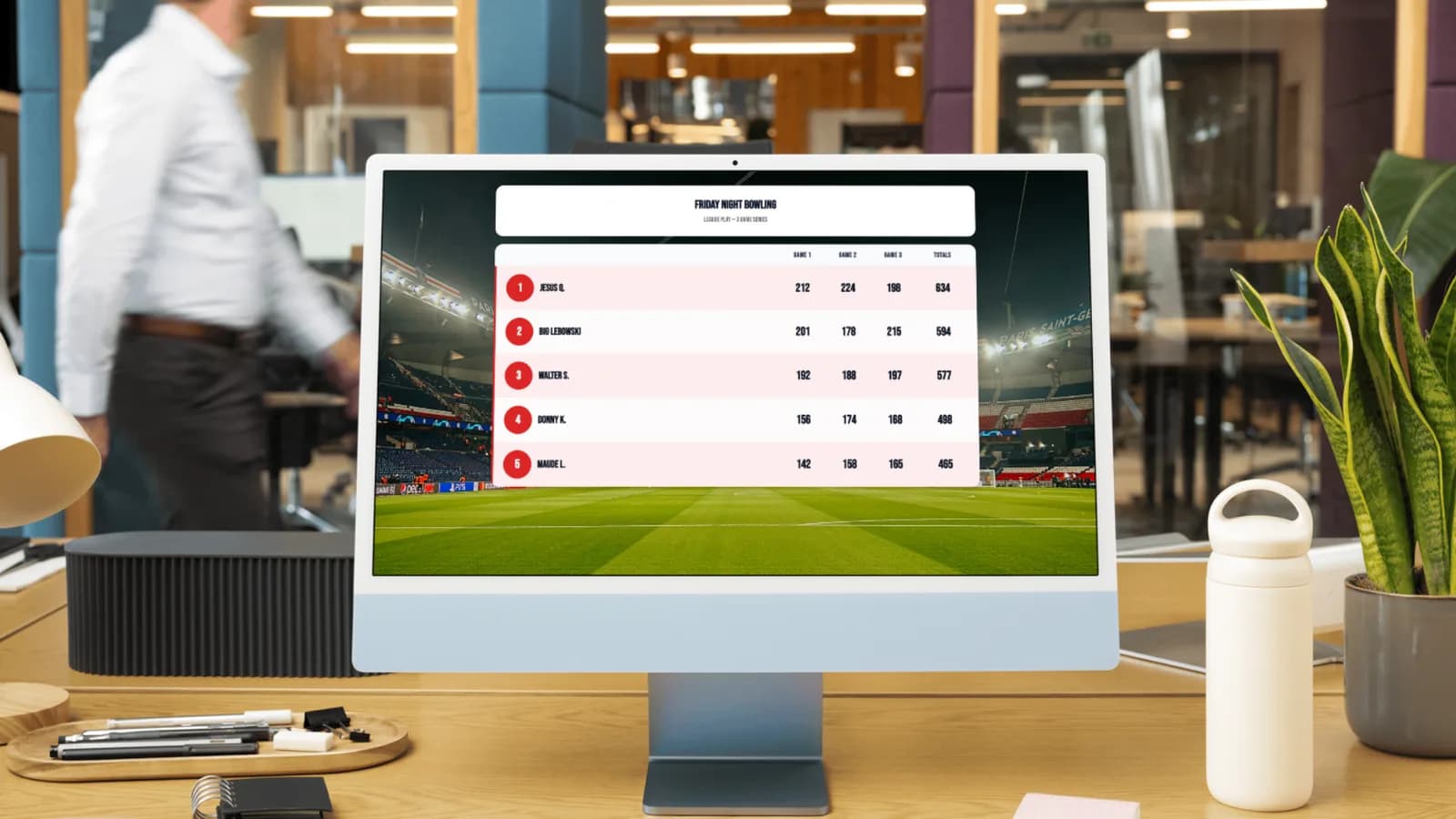
Why turn your Google Sheet into a leaderboard
Keep your data where it already lives, and get a live board a spreadsheet can't be.
Your Sheet Is the Source of Truth
Keep editing names and scores in Google Sheets, the place your data already lives. The leaderboard mirrors your sheet, so there's never a second copy to keep in sync.
Updates Automatically
Change a score in your sheet and the board re-reads it on its own, plus a Refresh button whenever you want it instant. The public display refreshes itself too, so a TV stays current.
No Formulas, No Add-ons
Just two columns: Name and Score. No QUERY functions, no scripts, nothing to install. We even detect whether your scores are numbers, decimals, or times for you.
Ranked, Shareable & TV-Ready
Your rows become a clean, animated leaderboard with medals and podium colors. Share a link or go full-screen on a projector, perfect for classrooms, sales floors, and events.
One Google Sheet, a leaderboard for anything
Sales contests, fitness challenges, classroom points, fundraisers. If it's a list of names and scores in a spreadsheet, MakeTheBoard turns it into a live, shareable leaderboard.
Sales leaderboards from your spreadsheet
Track deals, calls, and revenue in the Google Sheet your team already updates. Connect it once and everyone watches a live sales leaderboard, friendly competition without learning a new tool.
See sales leaderboards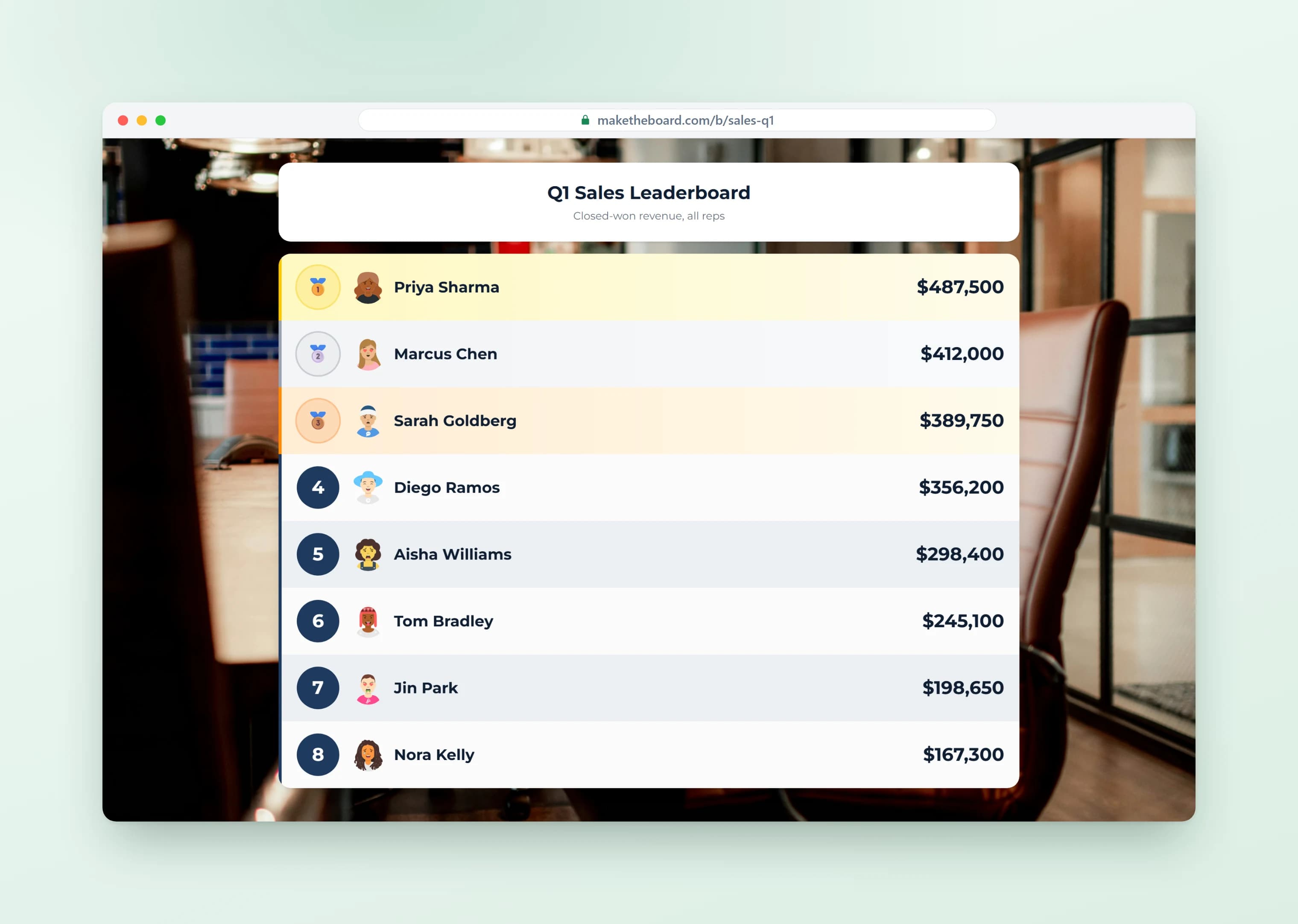
Fitness and step-challenge leaderboards
Collect steps, miles, or workouts in a shared spreadsheet, where participants can fill in their own rows. Sync it to a clean leaderboard so the whole group can see who's out front.
Start a challenge board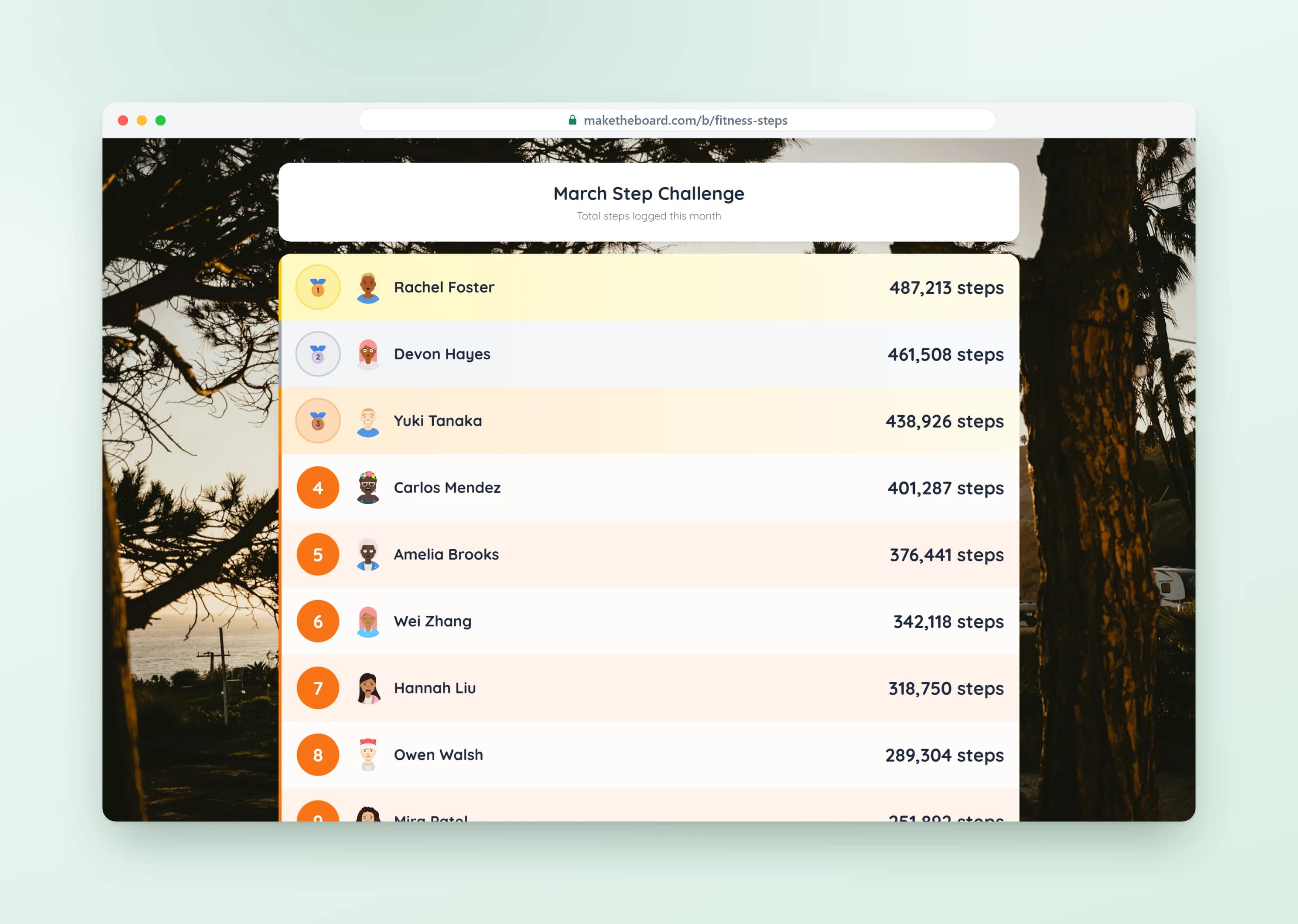
Classroom and student-point leaderboards
Teachers already keep points in spreadsheets. Connect your class roster and student rankings update automatically. Then put them on the big screen, where kids love spotting their name.
Classroom leaderboards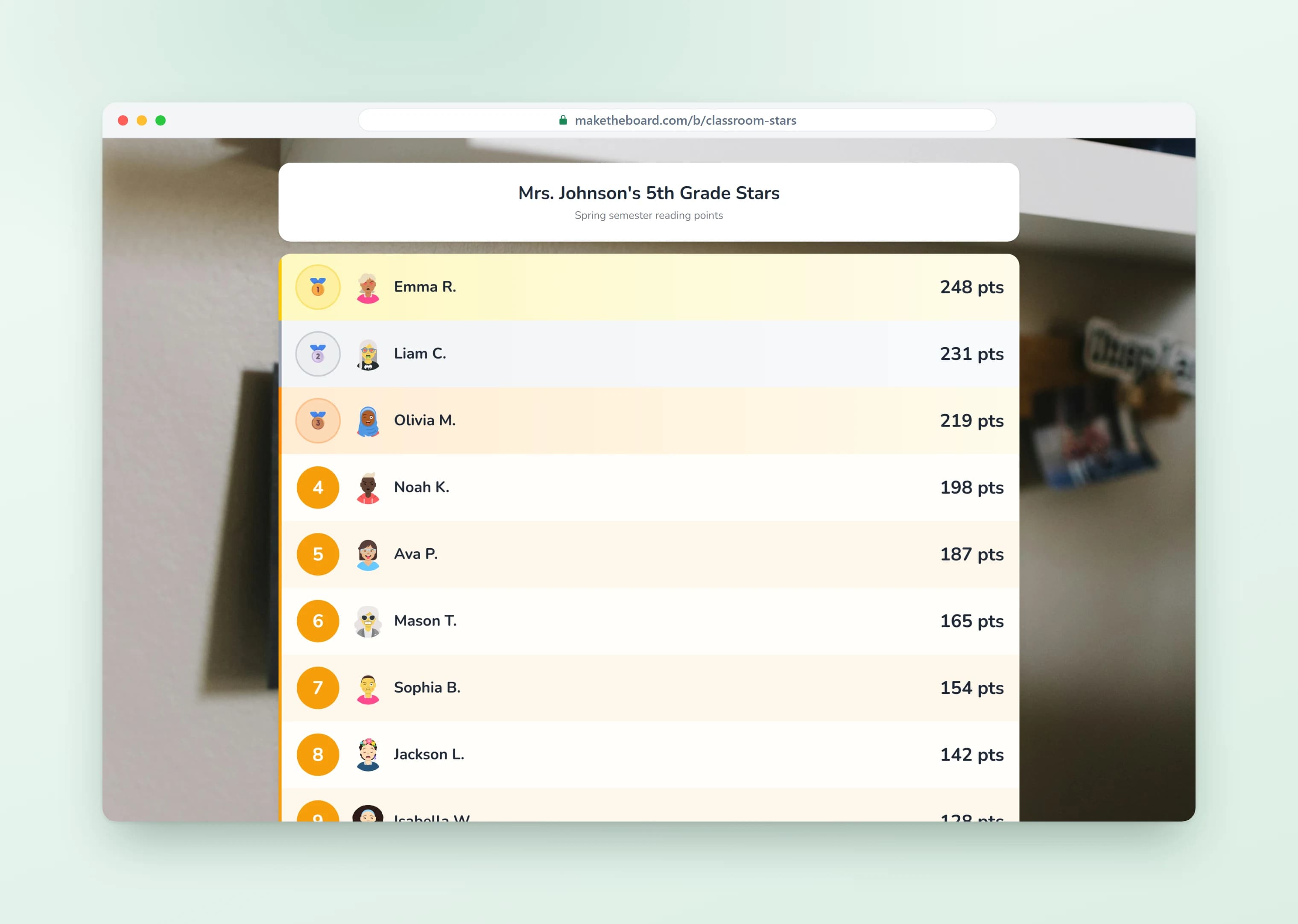
Fundraising and event leaderboards
Running a readathon, charity walk, or sales contest? Keep the totals in Google Sheets and show a live leaderboard that climbs as the numbers come in, on a projector or a shared link.
Fundraising leaderboards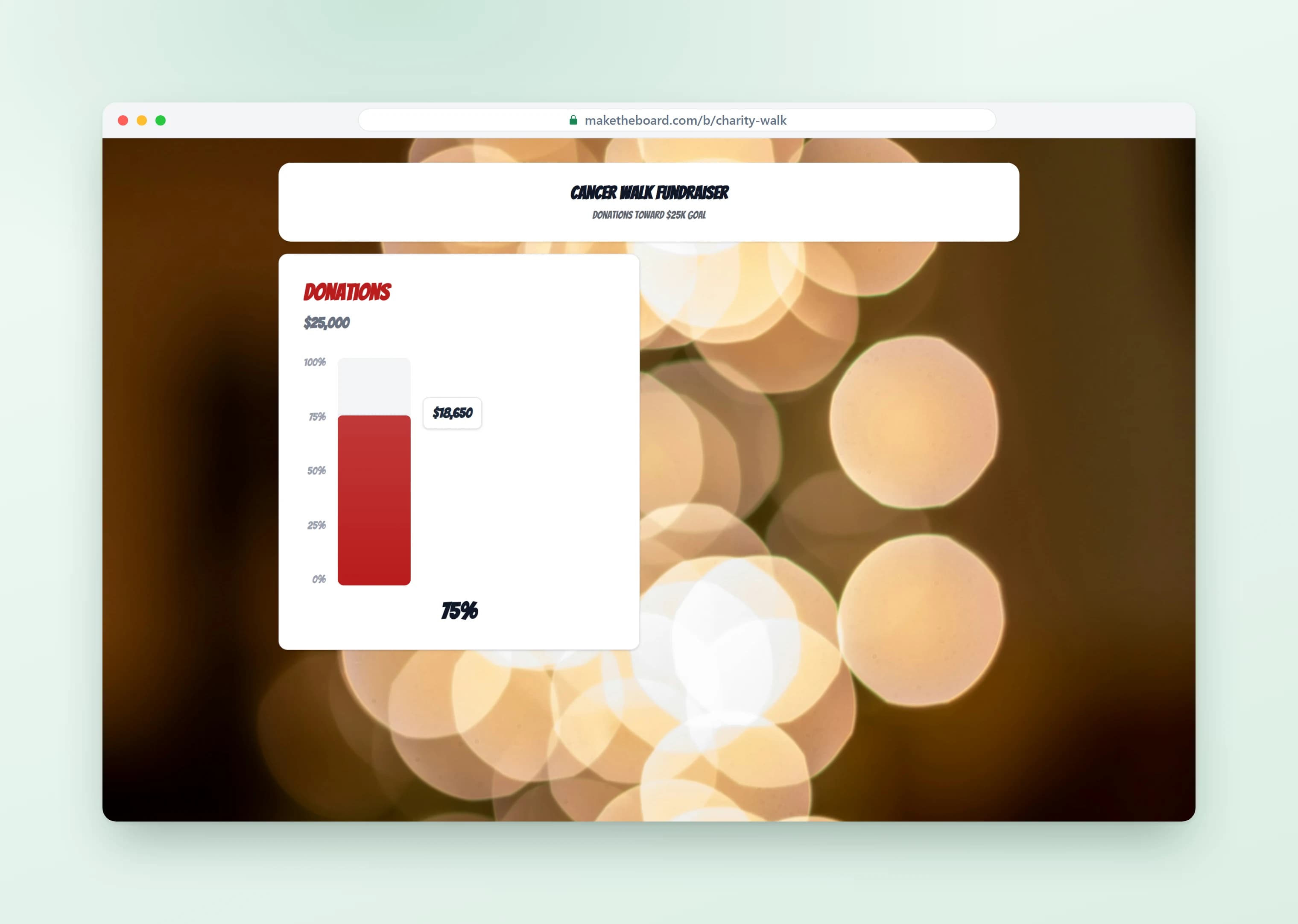
Frequently Asked Questions
Create a "Google Sheets Leaderboard" board on MakeTheBoard and paste your published sheet link. We read the Name and Score columns and rank everyone. From then on you edit in your sheet, and the board mirrors it automatically.
Yes. This isn't a one-time import. Your board checks your sheet for changes on its own every minute or so, and you can hit Refresh anytime to update it instantly. A board on a TV refreshes itself too, so the room always sees the latest standings.
No. Your Google Sheet is the source of truth, so names and scores are read-only inside MakeTheBoard. Make every change in your sheet and it flows through to the board. There's never a second place to update.
In Google Sheets, open File → Share → Publish to web, choose Comma-separated values (.csv), click Publish, and copy the link it gives you. Paste that into your board. We only ever read the sheet and never modify it.
Whole numbers (1240), decimals (98.5), or times like 1:23.5. We detect the format automatically and display it correctly: points, dollars, or race times all work.
Yes. Upload your Excel file to Google Drive, open it as a Google Sheet, publish it to the web, and paste the link. Two columns (Name and Score) are all it takes.
Yes. You can create a free Google Sheets leaderboard and display live rankings with no credit card. Paid plans add more participants, custom branding, and watermark removal.
Already have your list in Google Sheets?
Turn it into a live, self-syncing leaderboard in under a minute. Free, no credit card.