Self-Registration
Let participants add themselves to your board. Share a link, they enter a name, and appear on the board, no account required and no manual data entry. You can also let them update their own scores.
How it works
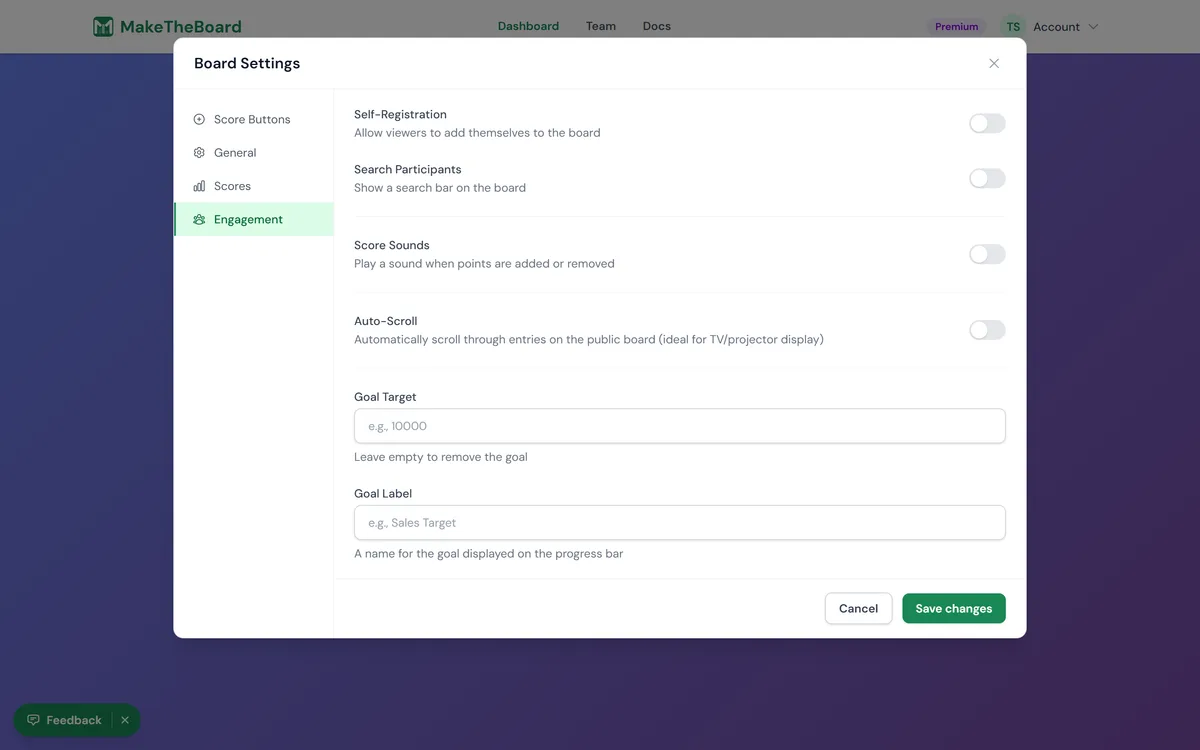
By default, only the owner and team members can add entries. With self-registration on, anyone with the public link can add themselves (just a name, no account required), ideal for competitions, classrooms, fundraisers, and sales contests. Participants can optionally sign in if they want to manage their spot from another device.
Enable it in Board settings → How it works
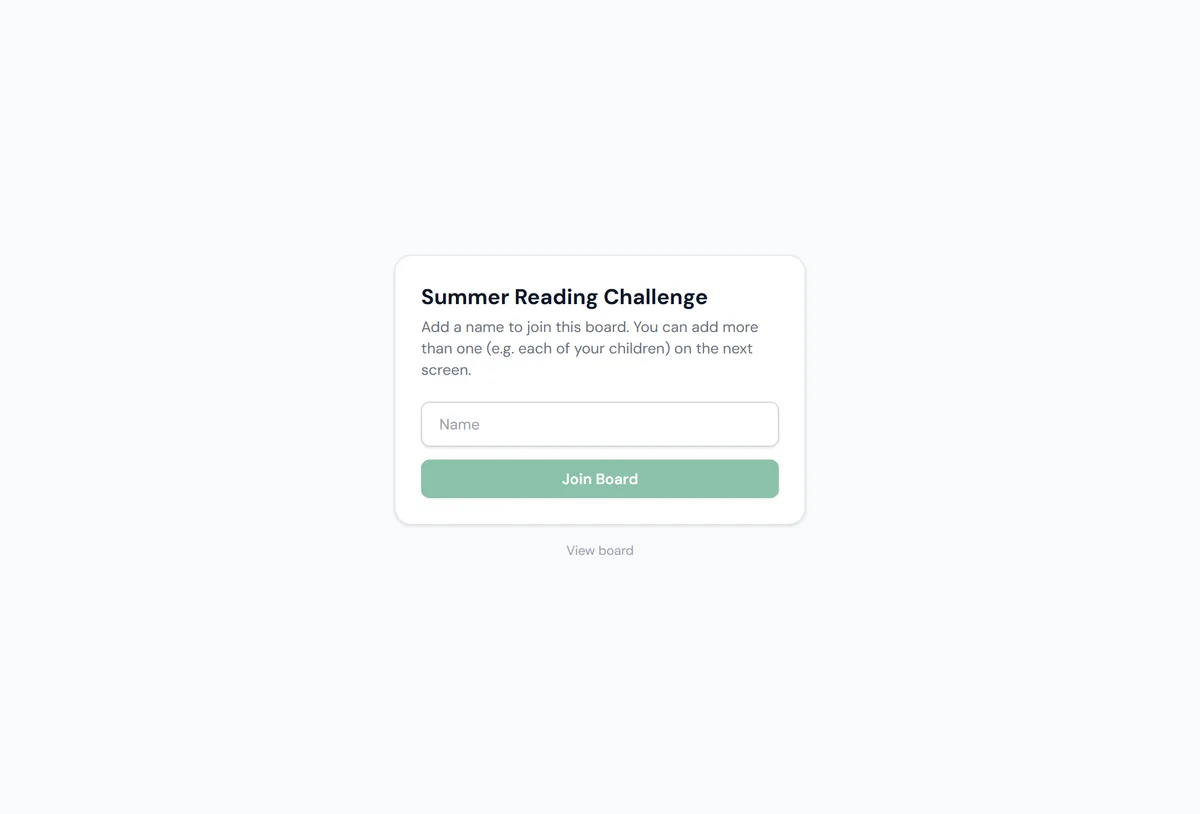
Share the self-register link or a join code
/b/<slug>/self-register, or post the board's short join code; people enter it at maketheboard.com/join to reach the same page. Grab either from the Share button. See sharing & embedding for all the ways to distribute it.Participants add their name
Optional: enable self-scoring
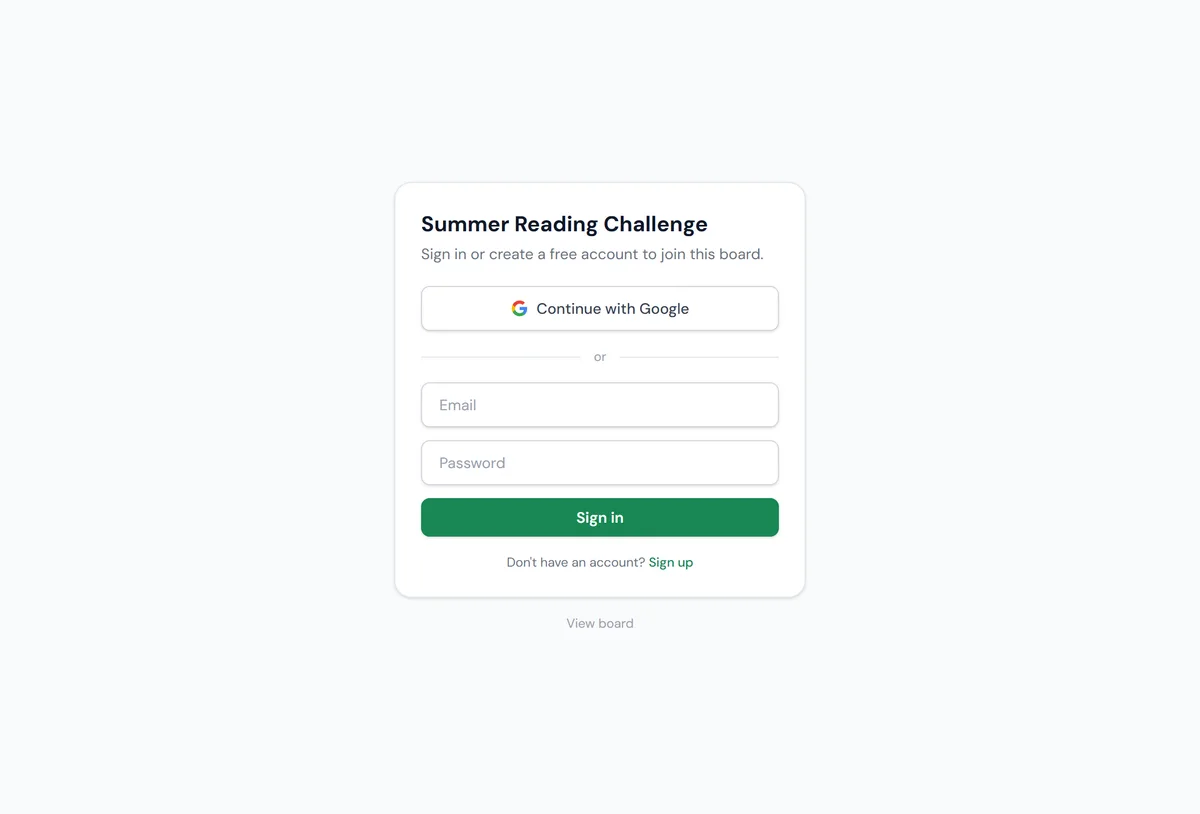
Accounts are optional
Parents & multiple participants
For classrooms and family fundraisers, one person often manages several entries. Turn on Allow several sign-ups per account in Board settings → How it works → Registration and a signed-in parent can add each of their children (up to 10) from one account and score them all from a single screen. With this on, registering requires signing in: that's what ties several participants to one person.
You can also build the roster yourself and hand out claim links. Each participant gets a private link at /b/<slug>/claim/<token>; whoever opens it signs in and claims that entry, so a teacher can set up every student in advance and let parents take over scoring without re-entering anyone.
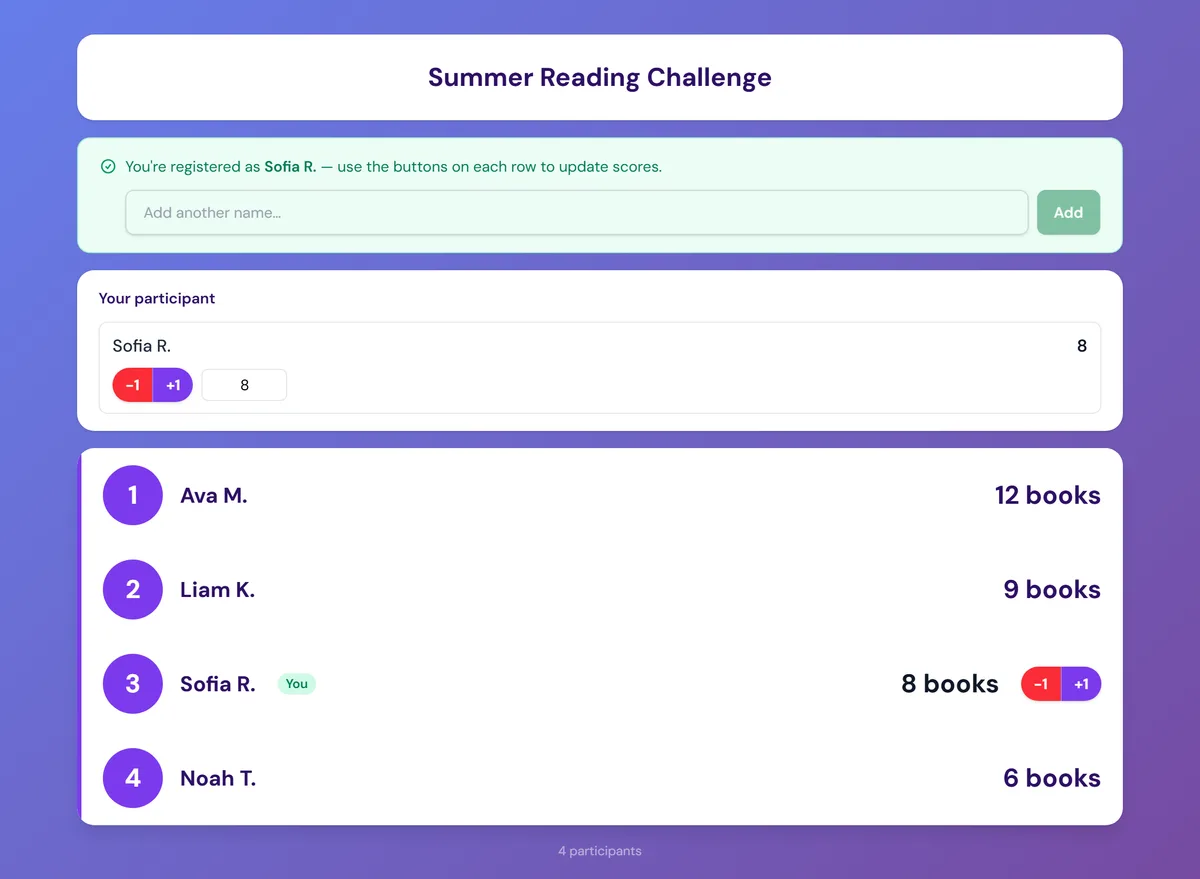
What self-scoring looks like
With self-scoring on, signed-in participants see score controls right on the public board at /b/<slug> for their own entry.
Participant score controls on the public board