Goal Trackers
A goal tracker shows progress toward a numeric target as a progress bar or a classic thermometer. Each goal you add gets its own target and its own bar. Perfect for fundraisers, fitness challenges, and team quotas.
Here's a live one. The bar fills in real time:
Create and run it
Create the goal tracker
/boards/<slug>.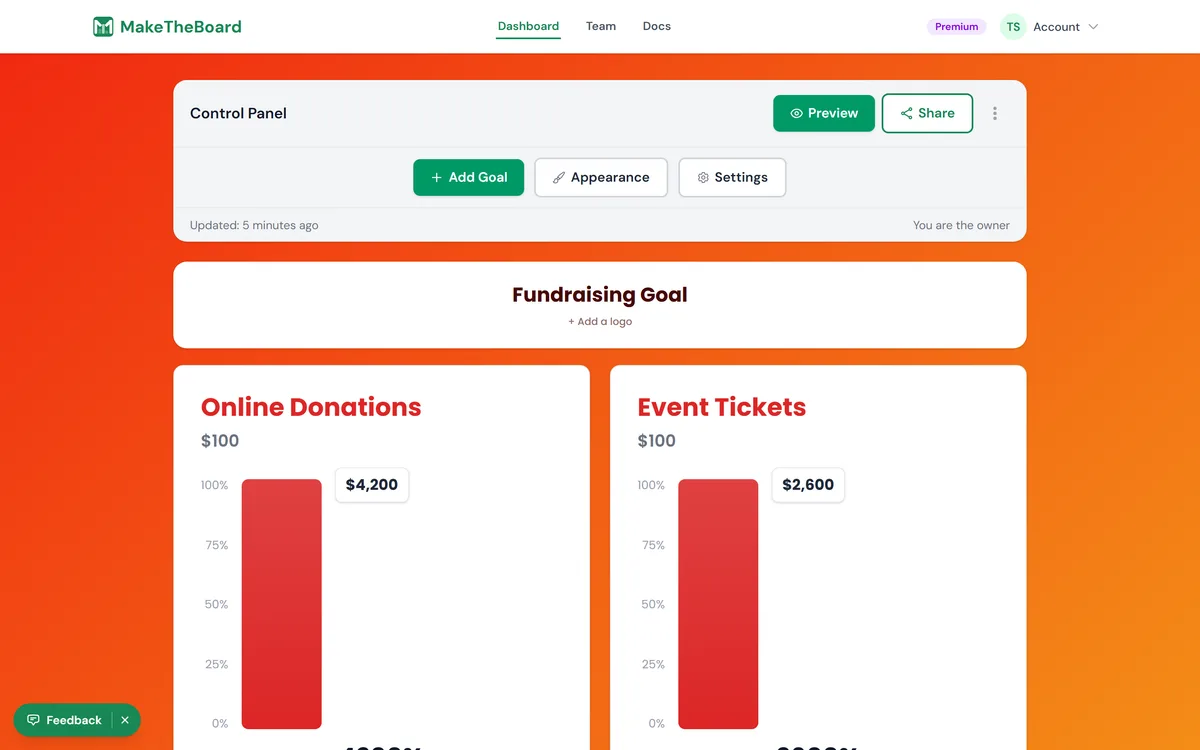
Add a goal and its target
Set a unit (optional)
Add progress with the score buttons
-1, +1, +5 by default). Tap one and the bar moves right away for every viewer. Change the values, or turn the buttons off, in Board settings → How it works → Scoring controls. For a donation of $250, add a +250 button or type the exact amount (next step).Type an exact value, rename, or change the target
Celebrate at 100%
/b/<slug>. The bar style also shows how far past the target you are. You can switch between the bar and the thermometer any time in Board settings → Appearance → Goal Style.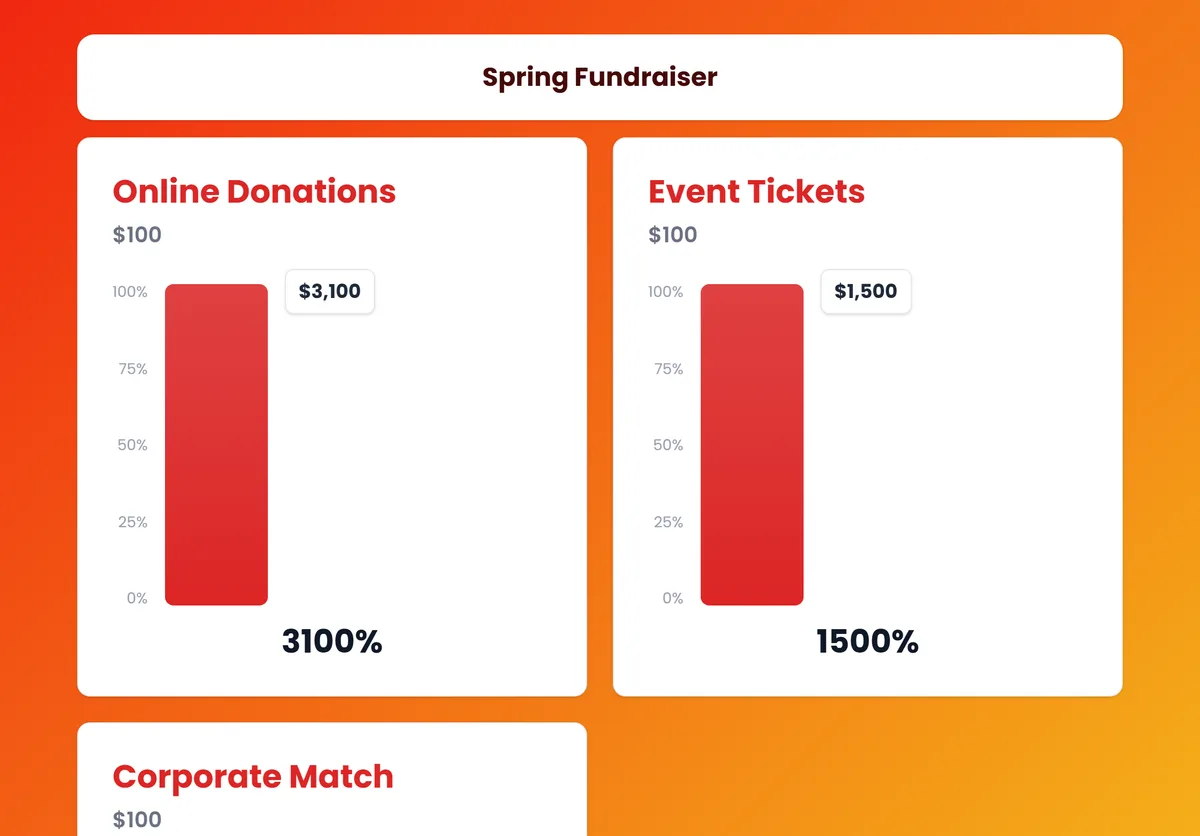
The buttons are for whoever keeps score
Set a goal that fills during the event
Add a Donate button
Raising money? Point a button on the board at the donation page you already use (Givebutter, Zeffy, Donorbox, or your school or church giving page). Click the board's title card (or open Board settings → Appearance → Board details), paste the link under Donate button, and optionally change the text (“Give now”, “Buy a ticket”). It shows on the public board and embeds and opens your page in a new tab. Free on every plan. Donations go straight to your page; MakeTheBoard never handles the money.
Have sponsors? Add their logos under the thermometer with sponsor logos, and give volunteers a scorekeeper link so they can add gifts as they come in.