Rank anything, in real time
Online Ranking Tool
Build a live ranking list for competitions, sales teams, classrooms, or any group of scored entries. Share via a link or embed on your site, and viewers see live updates without signing up.
Powering leaderboards for thousands of people
5 participants · Updated just now
Everything You Need to Rank and Share
Simple, fast, and built for live display. No bloated software, just rankings.
Automatic Rank Sorting
Entries are ranked instantly as scores change. Choose ascending or descending order and let the ranking list sort itself in real time.
Shareable Ranking Links
Generate a public link so anyone can follow the rankings live. Embed the ranking chart on your website, blog, or intranet with a single code snippet.
TV & Projector Display
Open your ranking on any screen for a full-screen, auto-updating display. Perfect for offices, classrooms, events, and digital signage.
Custom Branding
Add your logo, choose brand colors, and customize the look of your ranking page. Pro and Premium plans unlock full white-label options.
Participant Self-Registration
Share a registration link and let participants add themselves. No spreadsheets, no manual data entry. Just a link and they are in.
Works on Any Device
Create and update rankings from your phone, tablet, or laptop. Viewers see changes instantly. No app to install, no downloads.
Live Rankings That Update Automatically
As scores change, entries re-sort themselves. Everyone watching sees the same rank list update in real time, no page refresh needed.
Create a ranking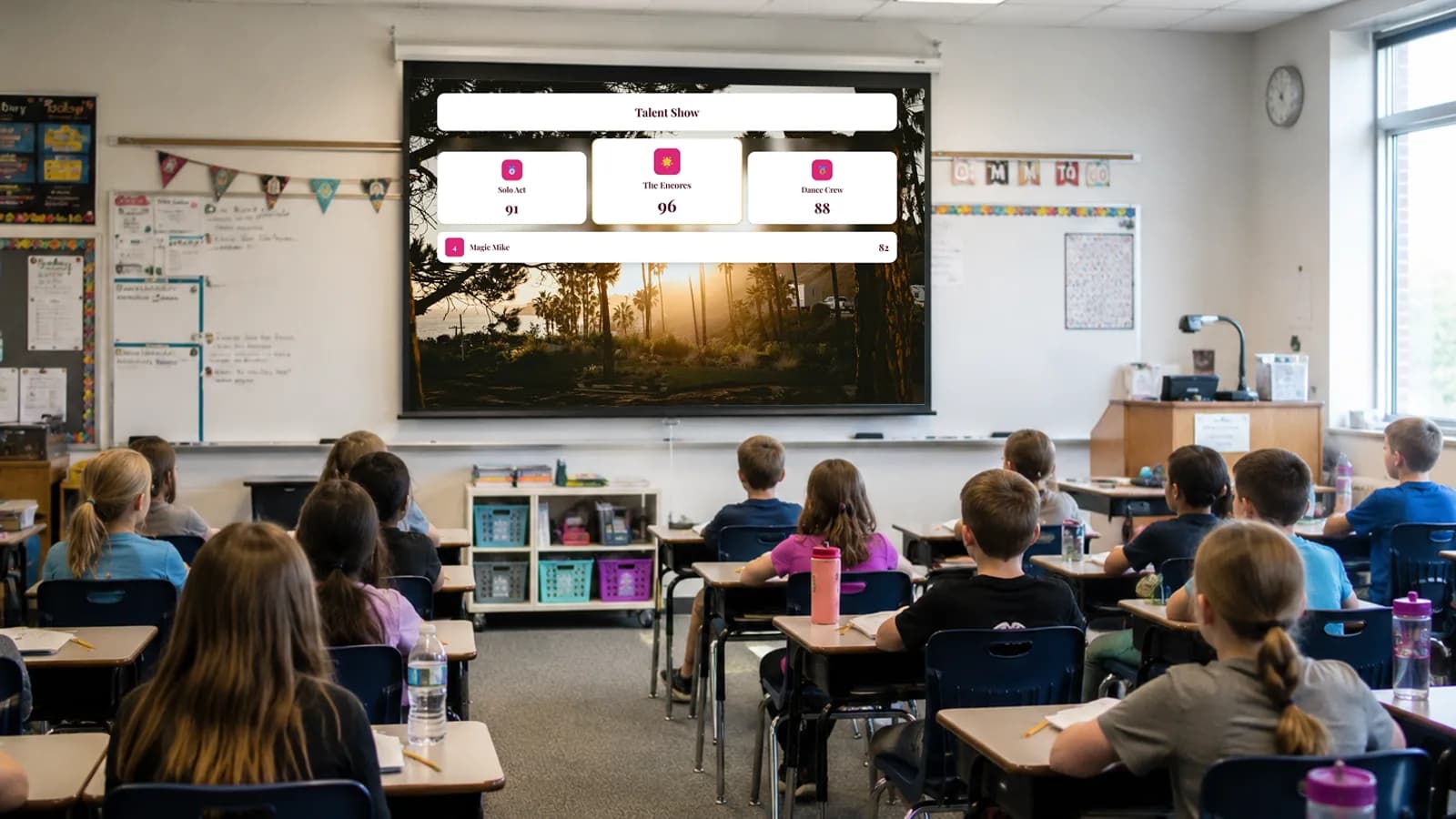
Share Rankings Anywhere
Share a link, display on a TV or projector, or embed your ranking chart directly on your website or blog. Rankings are always up to date.
See sharing options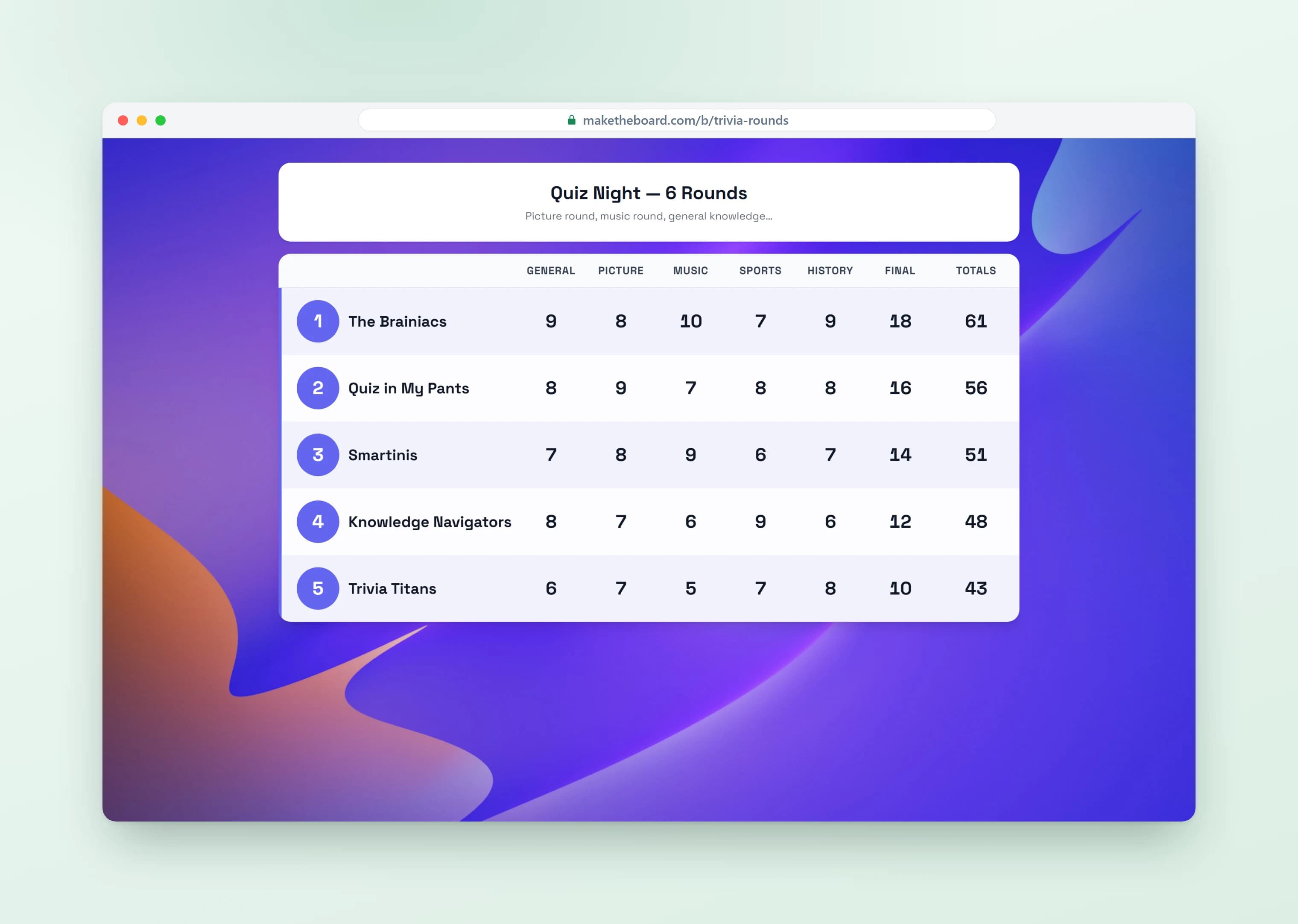
Display on Big Screens
Open your ranking link on any smart TV, Chromecast, or projector. The responsive layout adapts to any screen size for a professional display.
Set up a TV display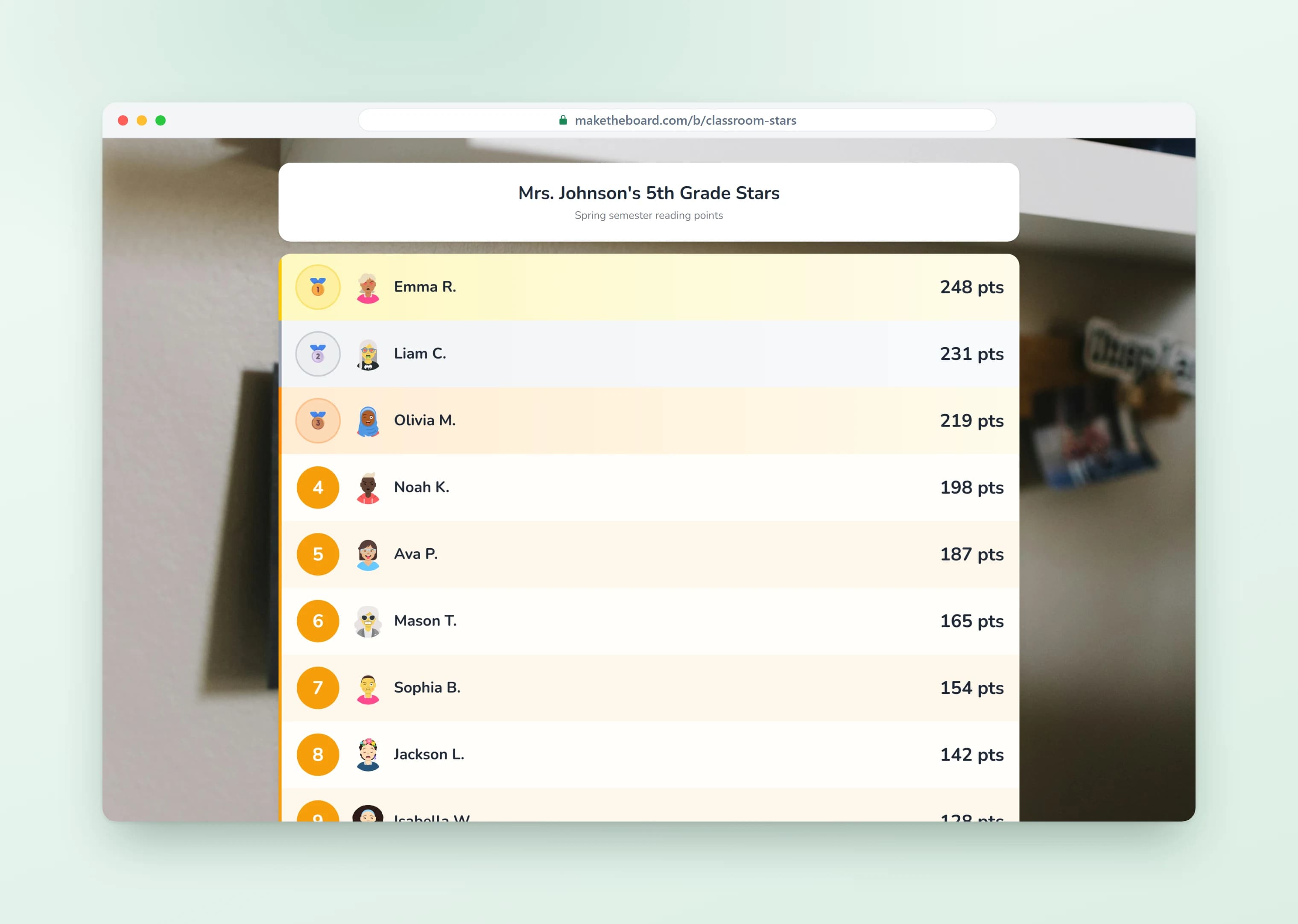
Rank Anything by Score
Players, products, teams, or ideas: if it has a number, you can rank it. Use it as a ranking generator that turns any set of scores into a clean ranked order. Entries sort themselves automatically the moment a score changes, so the order is always correct without any manual reshuffling.
Create a ranking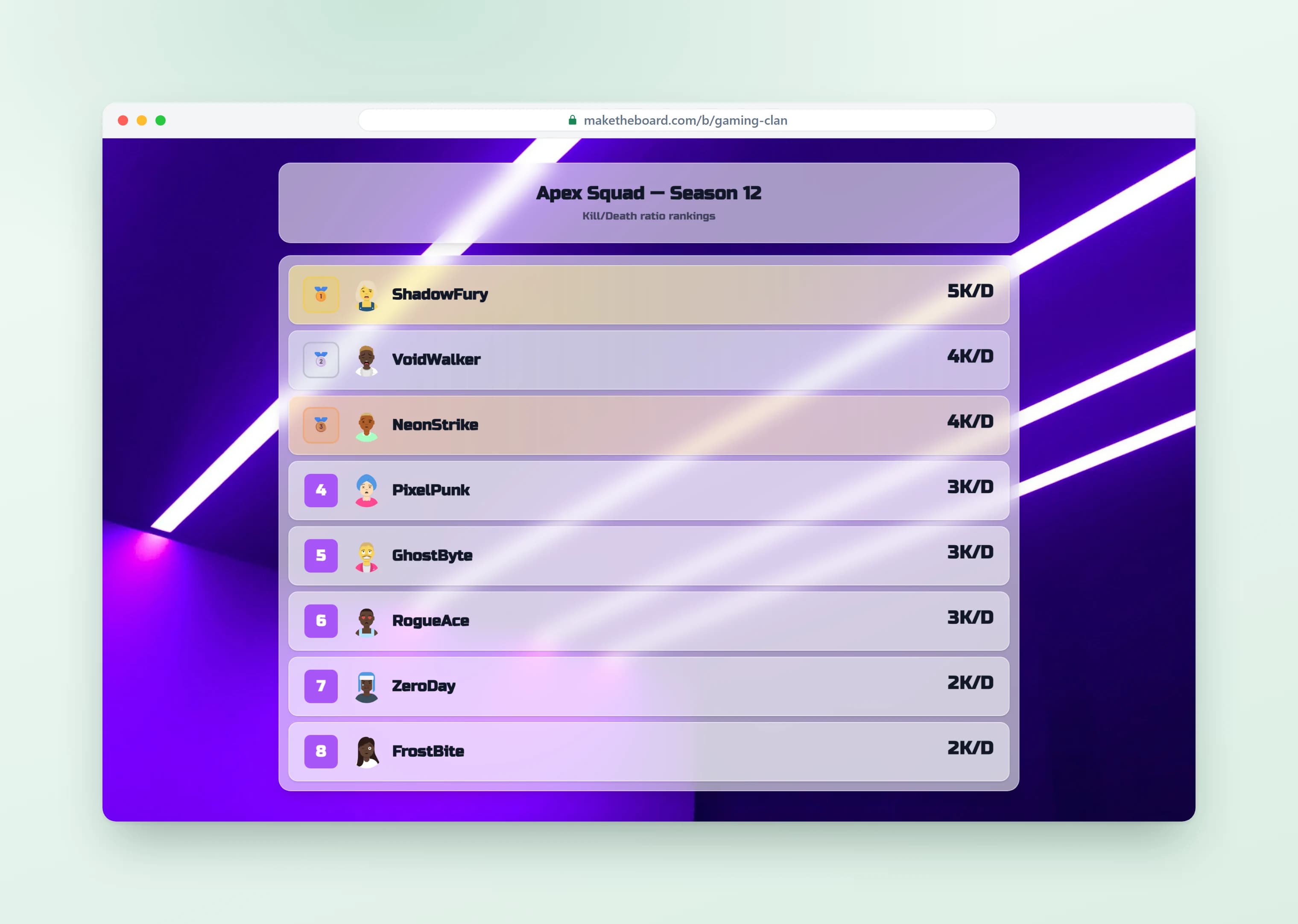
Built for Challenges, Contests, and Voting
Power fitness challenges, sales contests, and voting results with a ranking everyone can follow. Update scores from any device (phone, tablet, or laptop) or let participants submit their own results.
Create a ranking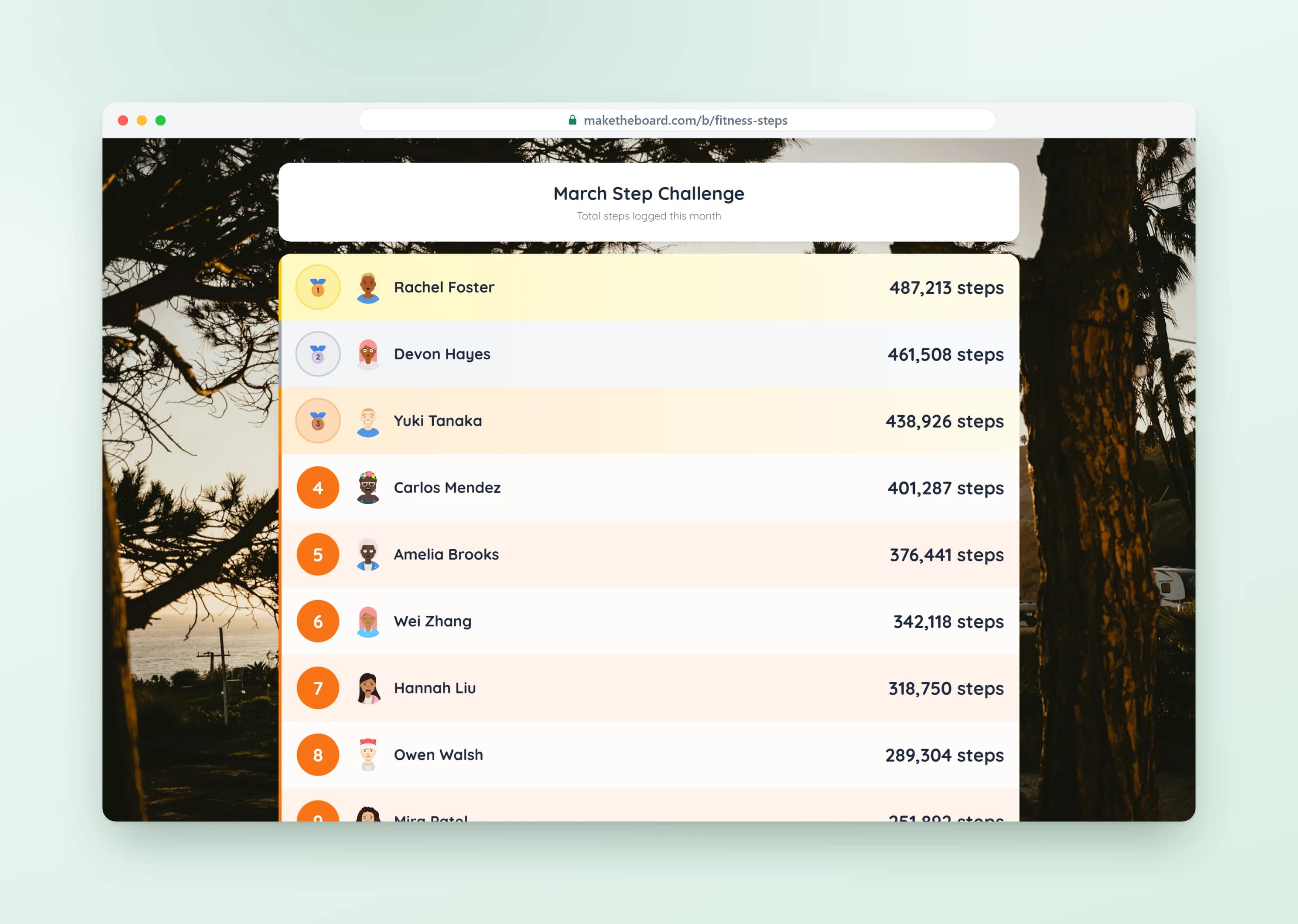
Ranking List Templates & Ideas
Pick a template, customize it, and share the live ranking in seconds. For step-by-step setup, read our guide on how to make a leaderboard.
Competition Rankings
Rank participants in tournaments, quiz nights, hackathons, or pickleball ladders. Scores update live so everyone knows where they stand.
Sales Team Rankings
Rank sales reps by revenue, deals closed, or any KPI. Cast the ranking to the office TV to keep the team focused on the number that matters.
Classroom Point Rankings
Rank students or teams by points earned. Project the ranking on the classroom screen during reading challenges, math sprints, or behavior systems.
Fitness & Step Challenges
Rank participants by miles run, steps walked, or workouts logged. Great for workplace wellness, gyms, and team challenges.
Fundraising Standings
Rank teams or classrooms by dollars raised. Display the standings on a screen at the event to keep momentum going through the night.
List Ranking & Voting Results
Rank anything: favorite movies, best ideas, employee of the month nominees. Update scores from one device or open it up for self-voting.
Frequently Asked Questions
An online ranking tool is a web app that lets you build, share, and update a ranked list of people, teams, items, or scores. Unlike a static spreadsheet or document, the list re-sorts itself the moment a score changes, and anyone with the link sees the live order. MakeTheBoard's ranking tool runs entirely in the browser: no downloads, no installs, and viewers don't need an account.
It's both. MakeTheBoard works as a ranking organizer that keeps every entry sorted automatically the moment a score changes, with no manual reshuffling. And it works as a ranking list maker for any list you want to order: favorite movies, tournament standings, sales reps, or classroom points. Build the list once, and the tool keeps it organized and ranked for you.
No. MakeTheBoard is free ranking software that runs entirely in your browser, so there's nothing to download or install. Unlike heavy desktop ranking software, you create a ranking, share a link, and update scores from any device. Viewers don't need an account or an app to follow the live order.
Yes. MakeTheBoard works as a complete ranking system: add your entries, give each a score, and the system keeps everything ranked automatically and in real time. Because the ranking system is shareable and embeddable, the same live order shows up on a link, a TV display, or an iframe on your site, always in sync.
They're closely related. A leaderboard is a ranking that sorts by score from highest to lowest, which is the most common kind of ranking. MakeTheBoard does both: use the leaderboard board type for a score-ranked list, or build a custom ranking in any order you choose. If you specifically want a top-to-bottom score ranking, the leaderboard maker is the same tool.
Yes. The free plan lets you create up to 2 ranking lists with 15 entries each, enough for most classroom, team, or event use cases. Free rankings are public via a shareable link, work on any device, and update in real time. Upgrade to Pro ($24/mo) for up to 50 entries per list, or Premium ($52/mo) for up to 500, plus custom branding and CSV export.
Click 'Create a Ranking', pick the leaderboard board type (auto-sort by score) or scoreboard board type (manual order), add your entries with starting scores, and you're done. You can change scores by tapping a row, and the ranking re-orders instantly for every viewer.
Yes. Each entry can be a person, a team, a department, a product, or any label you want. Group rankings work the same way as individual rankings: set a score and the entries sort automatically.
Yes. Anyone with the share link can view the live ranking, no account required. Only people editing the ranking need to be logged in.
Yes. Every ranking generates an embed code (iframe snippet) you can paste into any website, blog, Notion page, or wiki. The embedded ranking stays in sync with the live version and updates as scores change.
Yes, with Pro or Premium. Enable self-registration and self-score-entry, then share a single link, and participants add themselves and submit results without you touching the data. Great for fitness challenges, sales contests with self-reporting, and reading programs.
Yes. Open the share link in any browser on a smart TV, Chromecast, Apple TV, or projector. The display mode hides all controls and shows just the ranked list, scaled to fit any screen size.
Yes. Both the editor and the viewer are fully responsive: manage your ranking from your phone, and viewers can pull up the live list on any device.
Ready to Rank?
Create a live ranking list in seconds. Free to start, no credit card required.