Score + clock, in one
Scoreboard with Timer
A live scoreboard with a built-in game clock: count up or down, control it from your phone, and show the score and timer full-screen on any TV or projector. No app, no hardware.
Powering leaderboards for thousands of people
Score and Clock, Always in Sync
Everything you need to run a timed, scored game from your phone.
Countdown or Count-Up
Set any length and direction: count down a period, a round, or a drill, or count up elapsed time. Start, stop, reset, and adjust from your phone.
Score and Clock on One Screen
No more juggling a stopwatch app and a whiteboard. Both teams' scores and the time live side by side and update together on every device.
Periods, Rounds & Intervals
Name the segment whatever fits (PERIOD, ROUND, GAME, or HEAT) and step through it as the event progresses. Optional fouls and timeouts if you need them.
Full-Screen Timer Display
Throw the clock and score onto a TV, projector, or monitor in one click, with high-contrast digits sized to be read across a gym, classroom, or stage.
One Phone Runs Everything
Clock and score are controlled from the same screen, so a single operator can run the whole event, or share the scorekeeper link to split the jobs.
Share, Embed & Overlay
Give the audience the live link, embed the board on an event page, or add it as a browser source in OBS so the clock and score ride on your stream.
Countdown or Count-Up Game Clock
Set any period length and count down for timed games, or count up to track elapsed time. Start, stop, and reset the clock from your phone. The big-screen display follows to the second.
Create a scoreboard with a timer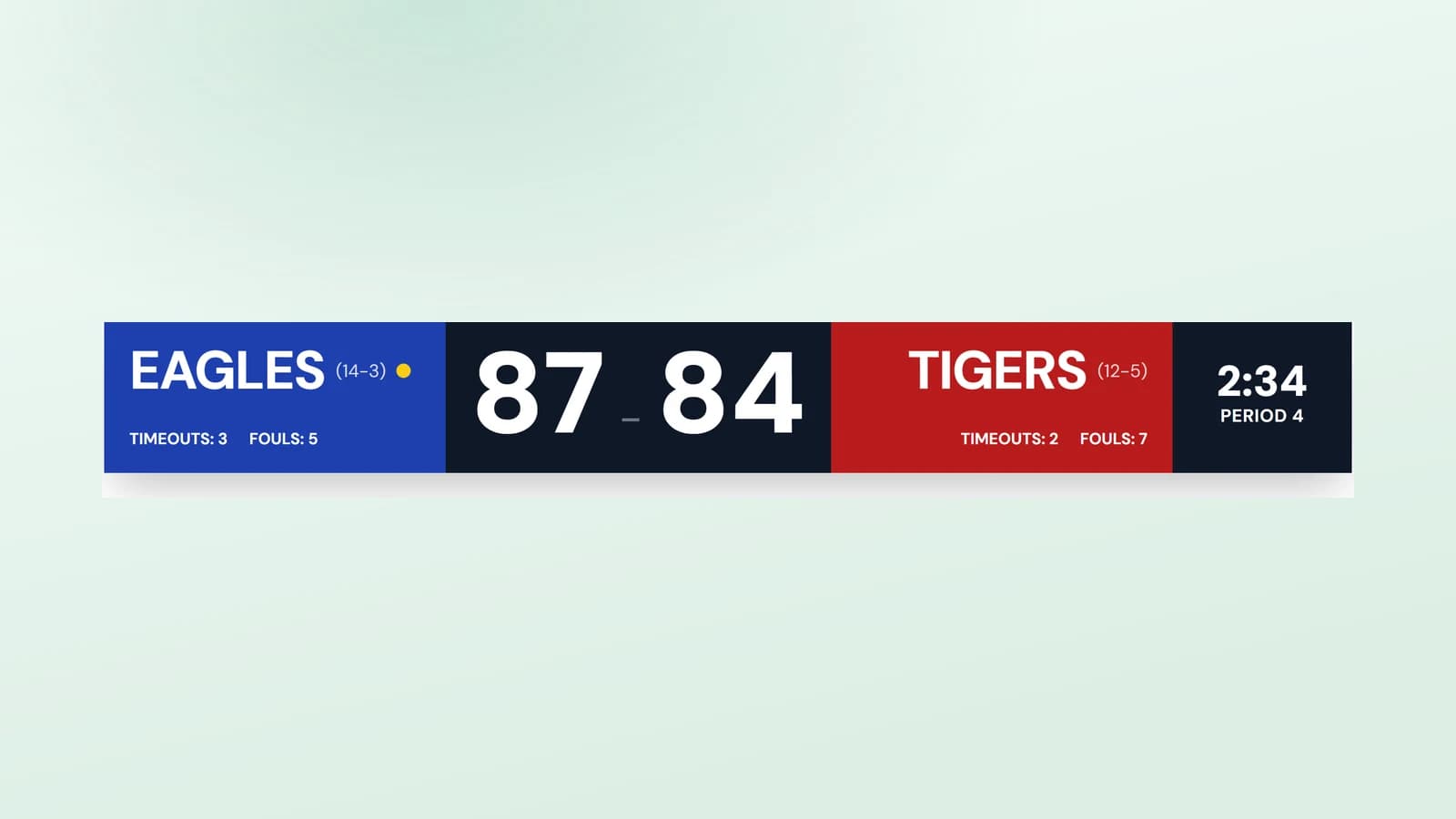
TV-Ready Score and Clock
Display the score and timer together on any TV, monitor, or projector with a clean, high-contrast layout readable across the room, perfect for gyms, classrooms, and events.
Set up a TV display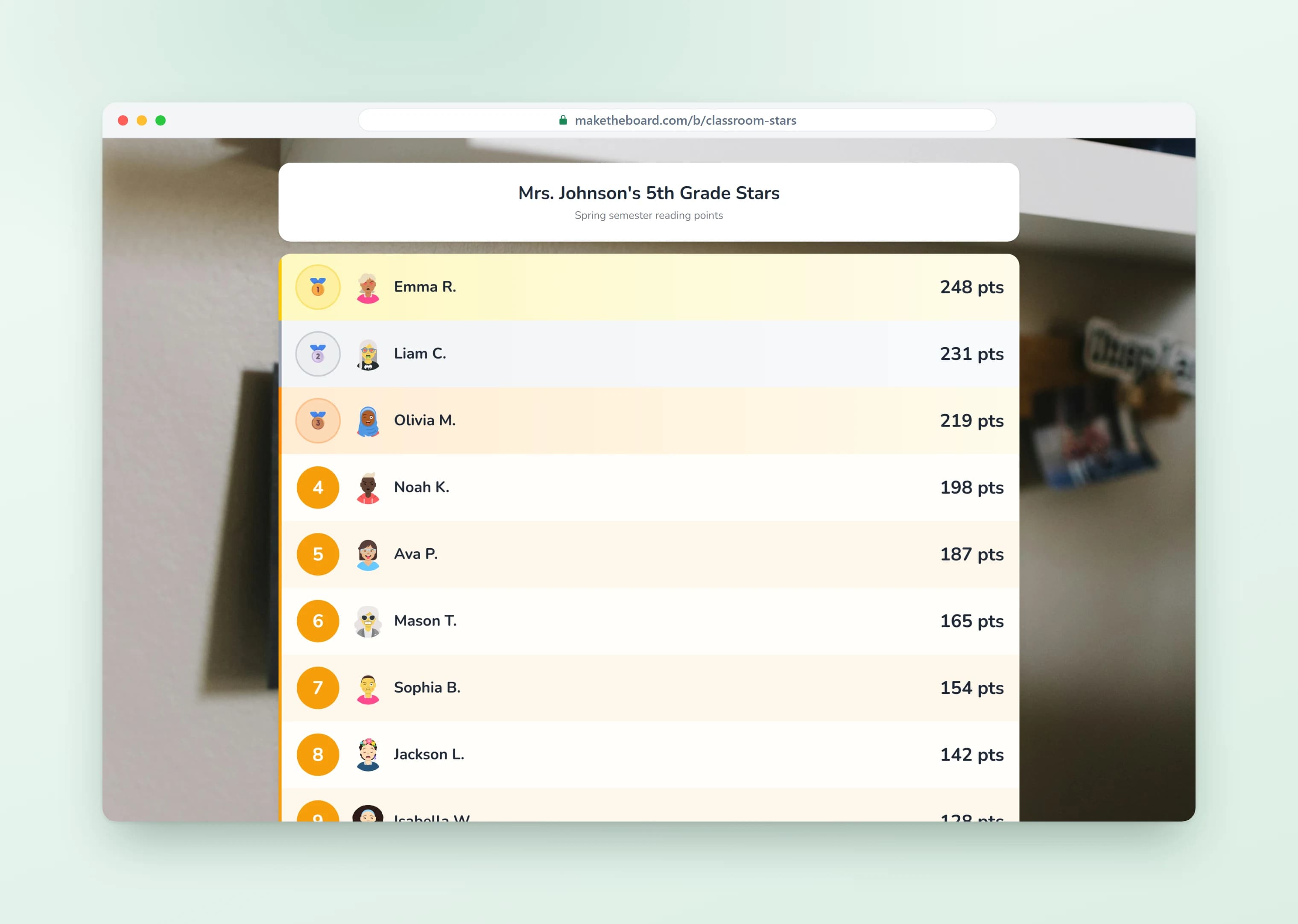
For Any Timed, Scored Activity
Basketball and futsal periods, boxing rounds, quiz-round timers, workout intervals, game-show segments. If it has a clock and a score, this runs it. Control from your phone, share with everyone.
Explore all scoreboards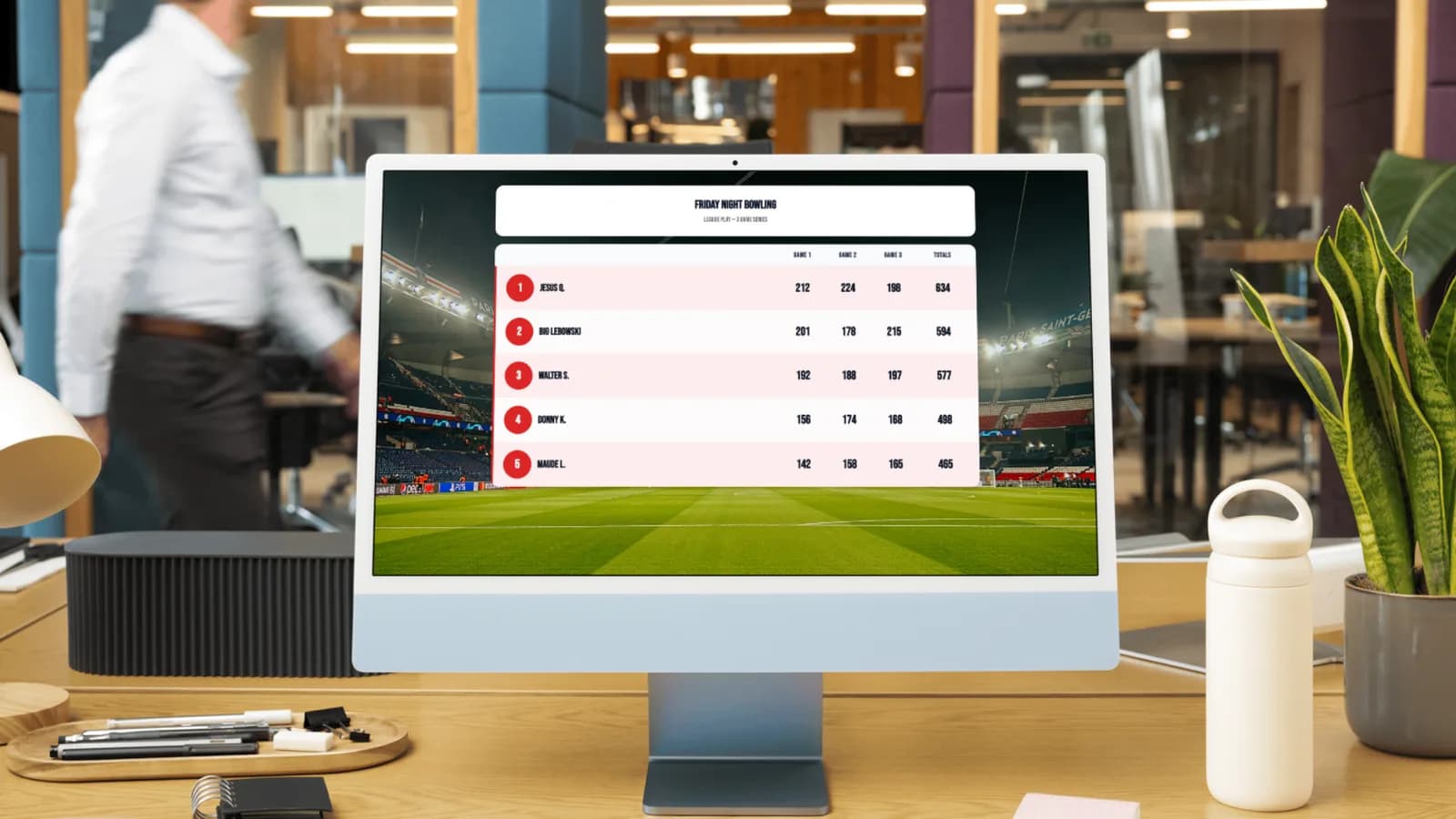
How long is a period in each sport?
A scoreboard timer is the game clock half of a scoreboard: the countdown or count-up that tells everyone how long is left in the current period. Set it to your sport's period length, run it from your phone, and show the same link on any screen.
Most sports count the clock down to zero. Soccer is the notable exception and counts up, with time added at the end of each half. Set the direction and the period length before the first whistle and the board handles the rest.
Standard period length by sport
| Sport | Periods | Length | Clock |
|---|---|---|---|
| Basketball (NBA) | 4 quarters | 12 min | Counts down |
| Basketball (high school) | 4 quarters | 8 min | Counts down |
| Football (NFL / NCAA) | 4 quarters | 15 min | Counts down |
| Ice hockey | 3 periods | 20 min | Counts down |
| Soccer | 2 halves | 45 min | Counts up, plus stoppage |
| Futsal | 2 halves | 20 min | Counts down, stops |
| Rugby union | 2 halves | 40 min | Counts up |
| Netball | 4 quarters | 15 min | Counts down |
Youth and recreational leagues almost always play shorter periods, so set the clock to your own league rules rather than the professional standard.
Frequently Asked Questions
Yes. The free plan gives you a scoreboard with a built-in timer and game clock, and you can set each team's name and colors. No credit card. Team logos, a display without the MakeTheBoard mark, and the transparent stream overlay come with Pro — $9 for a 7-day pass, or $24 a month.
Both. Set the clock to count down from a period length (for timed games and drills) or count up to track elapsed time (for matches that run up like soccer). Set the length, then start, stop, and reset it from your phone.
Yes. The scoreboard shows two team scores alongside the clock, plus optional period, fouls, and timeouts. Tap to score and the totals and clock update on every screen at once.
Yes. Open the display link in a browser on any smart TV, monitor, or projector for a large, high-contrast scoreboard and clock readable across a gym, classroom, or venue.
Yes. Run the timer and score from your phone while the display shows on the big screen, or hand the scorekeeper link to a helper. Every start, stop, and score syncs instantly across devices.
Anything timed and scored: basketball, soccer, hockey, and futsal periods; boxing and martial-arts rounds; classroom challenges and quiz rounds; workout intervals; and game-show segments. If it has a clock and a score, this runs it.
Yes. Drop the scoreboard's URL into OBS, Streamlabs, or vMix as a browser source and the countdown and score ride on your broadcast live, useful for esports rounds, boxing cards, and any timed competition stream.
Start the Clock
Create a live scoreboard with a built-in timer in seconds. Free to start, no credit card required.
Scoreboards for Every Sport
One scoreboard tool, set up for the way your game keeps score.
Scoreboard Maker
The all-purpose online scoreboard for any game or event.
OpenBasketball Scoreboard
Quarters, fouls, timeouts, and a live game clock.
OpenSoccer Scoreboard
Goals, halves, and a running match clock on any screen.
OpenBowling Scoreboard
Team-vs-team running totals for league night.
OpenVolleyball Scoreboard
Rally points, sets won, serve, and timeouts.
OpenFootball Scoreboard
Quarter clock, play clock, timeouts, and possession.
OpenCricket Scoreboard
Runs, wickets, and overs, with innings for the chase.
OpenOBS Scoreboard Overlay
A live scorebug for your stream, added as one Browser Source.
Open